
Índice
Introducción: ¿Por qué necesitas un compresor de archivos JPEG?
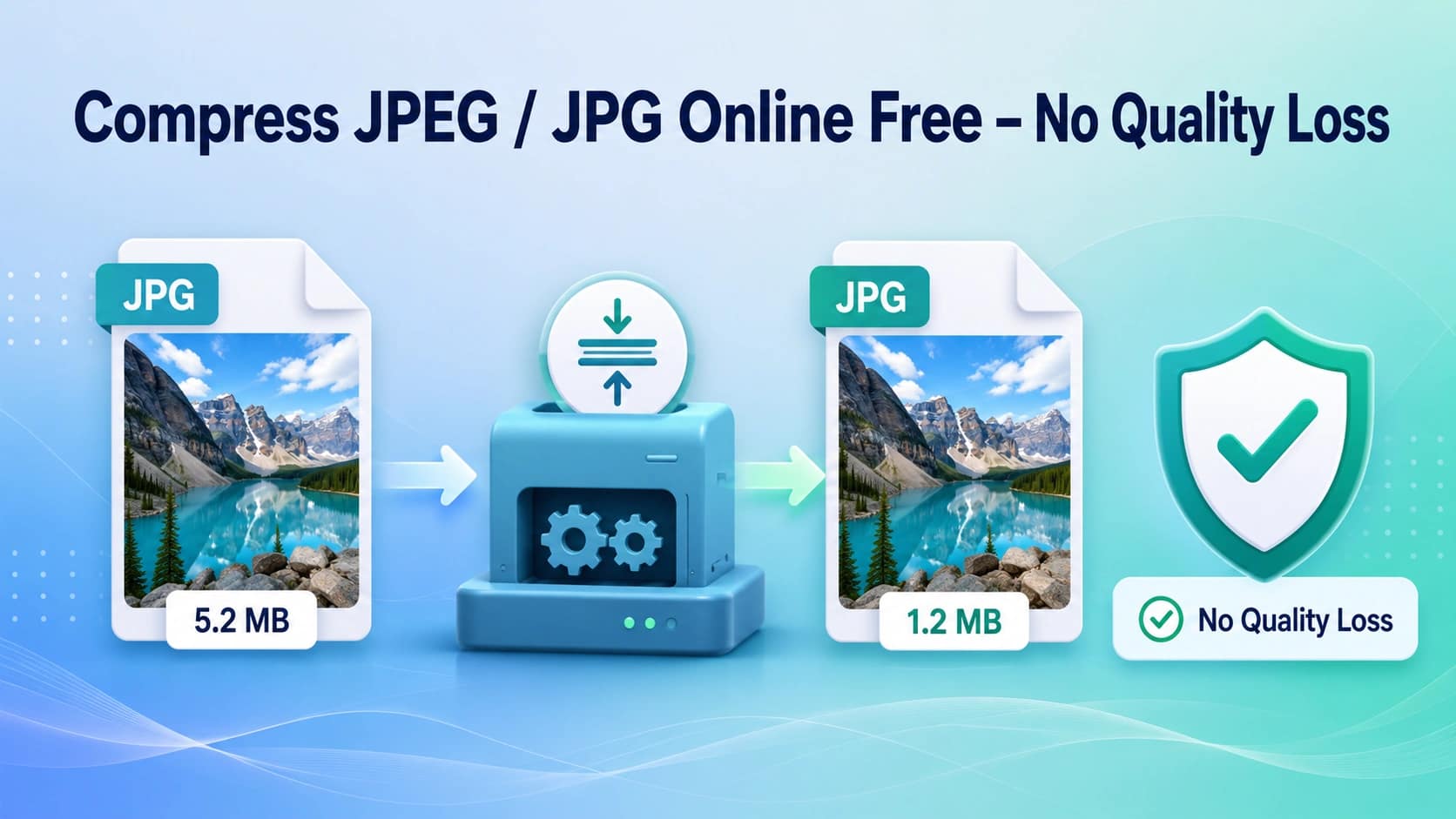
Cada día se suben millones de imágenes a sitios web, se envían por correo electrónico y se comparten en las redes sociales. Si esas imágenes no están optimizadas, tardan en cargarse, consumen ancho de banda y perjudican tu posicionamiento en los motores de búsqueda. Un compresor de archivos JPEG resuelve este problema reduciendo el tamaño del archivo sin que la calidad de la imagen se vea afectada de forma apreciable.
El formato JPEG (.jpg) es uno de los formatos de imagen más utilizados en Internet. Tanto si eres fotógrafo, bloguero, vendedor de comercio electrónico o desarrollador web, saber cómo comprimir archivos JPG de forma eficaz es una habilidad fundamental. Esta guía recoge todo lo que necesitas saber sobre el uso de un compresor de archivos JPEG gratuito en línea, sin necesidad de descargar ningún software.
¿Qué es la compresión JPEG y cómo funciona?
La compresión JPEG reduce el tamaño del archivo de una imagen JPEG eliminando los datos de píxeles redundantes. Existen dos tipos:
- Compresión con pérdida: elimina datos de forma permanente para conseguir archivos del menor tamaño posible; la calidad se ve ligeramente reducida.
- Compresión sin pérdidas: reduce el tamaño del archivo conservando cada píxel; sin pérdida visible de calidad.
La mayoría de las herramientas modernas de compresión de archivos JPEG, incluida la herramienta en línea gratuita de AiToolSoft, utilizan algoritmos inteligentes de compresión con pérdida que permiten reducir drásticamente el tamaño de los archivos, al tiempo que la imagen sigue siendo visualmente indistinguible del original a simple vista.
Cómo comprimir archivos JPEG/JPG en línea en 3 sencillos pasos
Utilizar el compresor gratuito de archivos JPEG de AiToolSoft lleva menos de un minuto:
- Paso 1: Accede al compresor de imágenes de AiToolSoft; no es necesario registrarse ni crear una cuenta.
- Paso 2: Sube tu archivo JPEG o JPG arrastrándolo y soltándolo, o haciendo clic en ‘Seleccionar archivo’.
- Paso 3: Haz clic en ‘Comprimir’ y descarga al instante tu imagen optimizada.
La herramienta detecta automáticamente el nivel óptimo de compresión para tu imagen. Puedes ajustar el control deslizante de calidad si necesitas un equilibrio específico entre el tamaño del archivo y la nitidez de la imagen.
¿Qué formatos de imagen son compatibles?
Aunque esta guía se centra en la compresión JPEG y JPG, una buena herramienta de compresión de imágenes es capaz de gestionar múltiples formatos. AiToolSoft’s
compresor de imágenes es compatible con:
- JPEG / JPG: el formato más habitual para fotos e imágenes web.
- PNG: ideal para imágenes con fondos transparentes.
- WebP: el formato de última generación de Google para una carga más rápida de las páginas web.
- GIF: imágenes animadas comprimidas.
- HEIC: el formato de imagen de alta eficiencia de Apple que utilizan los iPhone.
¿Necesitas convertir primero de un formato a otro? Prueba AiToolSoft’s
conversor de formatos de imagen para convertir cualquier tipo de imagen a JPEG antes de comprimirla.
Cuándo y por qué comprimir archivos JPEG/JPG
1. Rendimiento del sitio web y SEO
Google utiliza los Core Web Vitals —entre ellos, el Largest Contentful Paint (LCP)— como señales directas para el posicionamiento. Las imágenes sin comprimir son la #1 causa de la lentitud en la carga de las páginas. Optimizar tus imágenes JPEG con un compresor de JPEG puede reducir los tiempos de carga entre un 50 % y un 80%, lo que mejora directamente tu rendimiento SEO y la experiencia del usuario.
2. Archivos adjuntos de correo electrónico
La mayoría de los proveedores de correo electrónico limitan el tamaño de los archivos adjuntos a entre 10 y 25 MB. Una sola foto sin comprimir puede superar ese límite. Si se comprime un archivo JPEG hasta dejarlo por debajo de los 500 KB, resulta más fácil adjuntar varias imágenes a los correos electrónicos sin superar los límites de tamaño de los archivos adjuntos.
3. Redes sociales y marketing digital
Plataformas como Instagram, Facebook y Twitter recodifican automáticamente las imágenes, pero si empiezas con un archivo JPEG ya comprimido, te aseguras de que tus imágenes se mantengan nítidas durante la subida y la compresión. Además, los archivos más pequeños se suben más rápido desde dispositivos móviles.
4. Imágenes de productos para el comercio electrónico
Las tiendas online suelen tener cientos de fotos de productos. Comprimir cada imagen JPEG entre un 60 y un 80% sin pérdida visible de calidad se traduce en una carga más rápida de las páginas de productos, una mejor experiencia de compra en dispositivos móviles y menores costes de ancho de banda del servidor.
7 consejos de expertos para obtener mejores resultados en la compresión de archivos JPEG
- Empieza con un original de la máxima calidad: Cuanto mejor sea la imagen original, mejor será el resultado de la compresión.
- Utiliza el control deslizante de calidad con prudencia: La calidad 70–80% suele ofrecer el mejor equilibrio entre tamaño y nitidez para las fotos.
- Comprime por lotes siempre que sea posible: Si tienes varias imágenes, comprímelas todas a la vez para ahorrar tiempo.
- No comprimas en exceso: Los archivos que se han reducido artificialmente tienen un aspecto pixelado. Intenta conseguir resultados sin pérdida de calidad visual.
- Elimina primero las marcas de agua:herramienta para eliminar marcas de agua antes de comprimirlo.
- Convierte primero los demás formatos a JPEG:conversor de formatos de imagen para obtener los mejores resultados.
- Prueba en el móvil: Previsualiza siempre las imágenes comprimidas en un smartphone antes de publicarlas.
El compresor JPEG frente a otros métodos de optimización de imágenes
Hay varias formas de reducir el tamaño de los archivos de imagen. A continuación se muestra una comparación entre un compresor específico para archivos JPEG y otros métodos:
Método | Ventajas | Contras |
Compresor de archivos JPEG en línea | Gratuito, sin necesidad de instalación, rápido, compatible con el procesamiento por lotes | Requiere conexión a Internet |
Software de escritorio (Photoshop) | Control total, sin conexión, profesional | Bien remunerado, curva de aprendizaje pronunciada, lento para el procesamiento por lotes |
Complementos de WordPress | Automático al subir el archivo, integrado | Puede ralentizar el panel de administración y el consumo de recursos del servidor |
Optimización de imágenes mediante CDN | Distribución automática y global a través de una red de distribución de contenidos (CDN) | Suscripción mensual, complejidad de la configuración |
Más herramientas gratuitas de AiToolSoft
AiToolSoft ofrece un completo conjunto de herramientas gratuitas en línea para la gestión de imágenes y la productividad. A continuación te presentamos algunas herramientas que pueden resultarte útiles, además de la compresión JPEG:
- Elimina los elementos no deseados de las fotos antes de comprimirlas: Eliminador de marcas de agua gratuito
- Añade fondos profesionales a las fotos de los productos: Editor de fondos de imagen
- Recortar y cambiar el tamaño de las imágenes con precisión: Recortador de imágenes
- Convierte entre cualquier formato de imagen: Conversor de formatos de imagen
- Visualiza tus datos con gráficos interactivos: Herramienta de visualización de datos
Conclusión
Un compresor de JPEG fiable es una de las herramientas más útiles en el kit de herramientas de cualquier creador digital. Tanto si necesitas acelerar tu página web, reducir el tamaño de los archivos adjuntos de los correos electrónicos u optimizar cientos de fotos de productos, el compresor de archivos JPEG online y gratuito de AiToolSoft ofrece resultados profesionales en cuestión de segundos: sin necesidad de instalar ningún software, sin registrarse y sin pérdida de calidad apreciable.
Añade esta guía a tus favoritos y prueba el programa de AiToolSoft
Un compresor de imágenes hoy mismo. Los visitantes de tu página web (y tu factura de servidor) te lo agradecerán.
Preguntas frecuentes
¿La compresión JPEG reduce la calidad de la imagen?
La compresión JPEG con pérdida reduce ligeramente la calidad, pero los compresores inteligentes como AiToolSoft logran una reducción del tamaño de los archivos de entre el 60 y el 80% con una pérdida de calidad prácticamente imperceptible a tamaños de visualización normales. En la mayoría de los casos de uso (web, correo electrónico, redes sociales), la diferencia es imperceptible para el ojo humano.
¿Puedo comprimir archivos JPEG sin perder calidad?
La compresión verdaderamente sin pérdidas conserva cada píxel, pero la reducción del tamaño del archivo es modesta (normalmente entre 10 y 20%). Para lograr una reducción significativa del tamaño con una calidad casi sin pérdidas, utiliza un compresor JPEG de alta calidad con un ajuste de calidad de entre 75 y 85%.
¿Hay algún límite de tamaño de archivo?
El compresor de archivos JPEG de AiToolSoft admite archivos de un tamaño máximo equivalente a la memoria de tu navegador. Para obtener los mejores resultados, procura que cada imagen no supere los 20 MB. Se admite el procesamiento por lotes de varios archivos.
¿Tengo que instalar algún programa?
No. El compresor de archivos JPEG de AiToolSoft funciona íntegramente en tu navegador. No hay que descargar nada, ni registrarse, ni facilitar una dirección de correo electrónico. Tus imágenes nunca salen de tu dispositivo durante la compresión.
¿Puedo comprimir archivos JPG en un Mac y en Windows?
Sí. Como la herramienta se ejecuta en un navegador web, funciona igual en Mac, Windows, Linux e incluso en Chromebooks. Solo tienes que abrir la página web y empezar a comprimir.
¿Cuánto puedo reducir el tamaño de un archivo JPEG?
La reducción depende del contenido de la imagen y de su calidad inicial. Las fotos con detalles complejos pueden reducirse entre un 50 y un 70%; las imágenes que ya estén comprimidas pueden reducirse menos. Las ilustraciones y los gráficos con grandes áreas de color liso suelen poder reducirse entre un 80 y un 90%.
¿Ayuda la compresión de imágenes al SEO?
Por supuesto. La velocidad de la página es un factor de posicionamiento confirmado por Google. Las imágenes optimizadas reducen el tiempo de carga de la página, mejoran las puntuaciones de Core Web Vitals y ofrecen una mejor experiencia de usuario, lo cual repercute positivamente en tu posicionamiento en los resultados de búsqueda.


