Turn paper into a clean digital copy.
Automatically crop and straighten documents, enhance readability, extract text with OCR, and export polished JPG or multi-page PDF files.
A shorter path from paper to file.
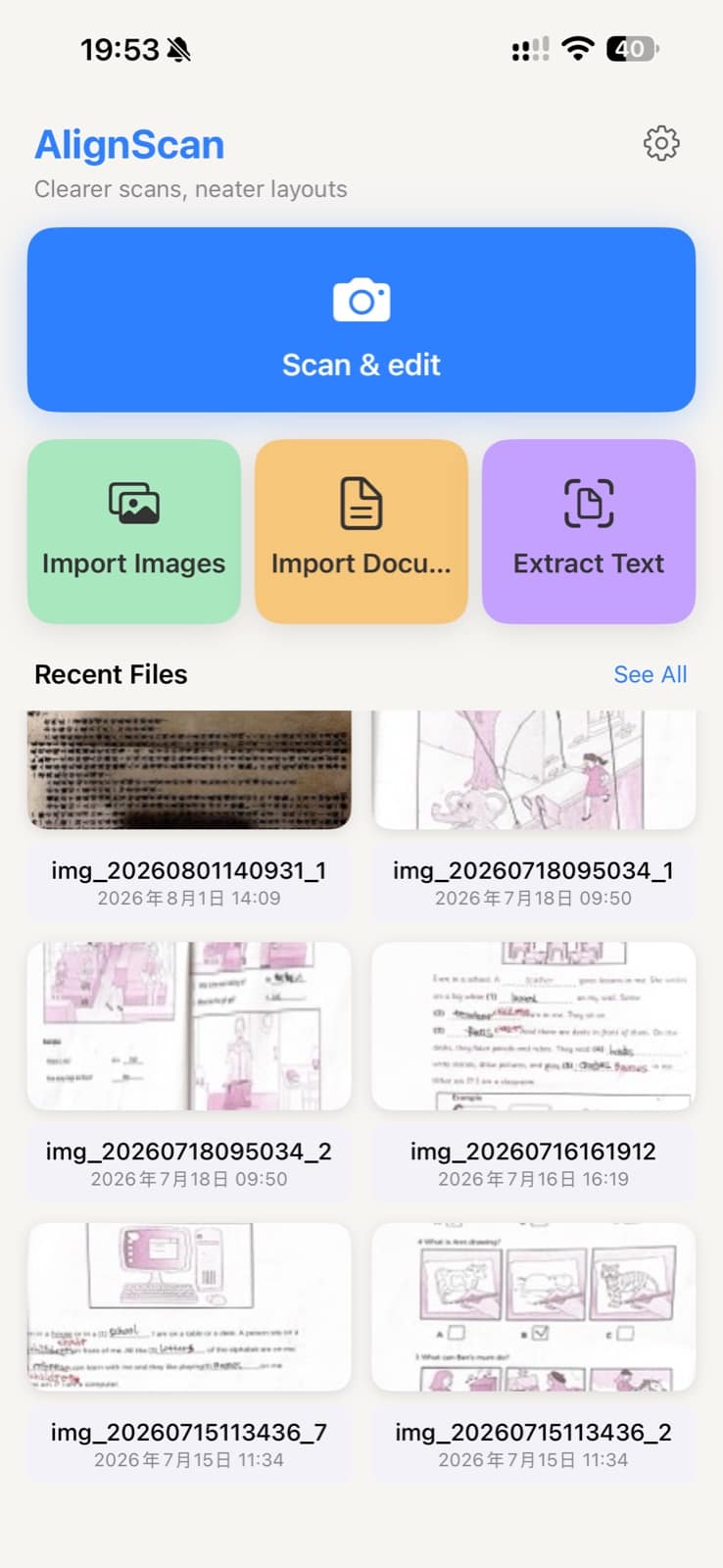
AlignScan keeps the core scan, OCR, and page-layout workflow on your device.
Detect and correct
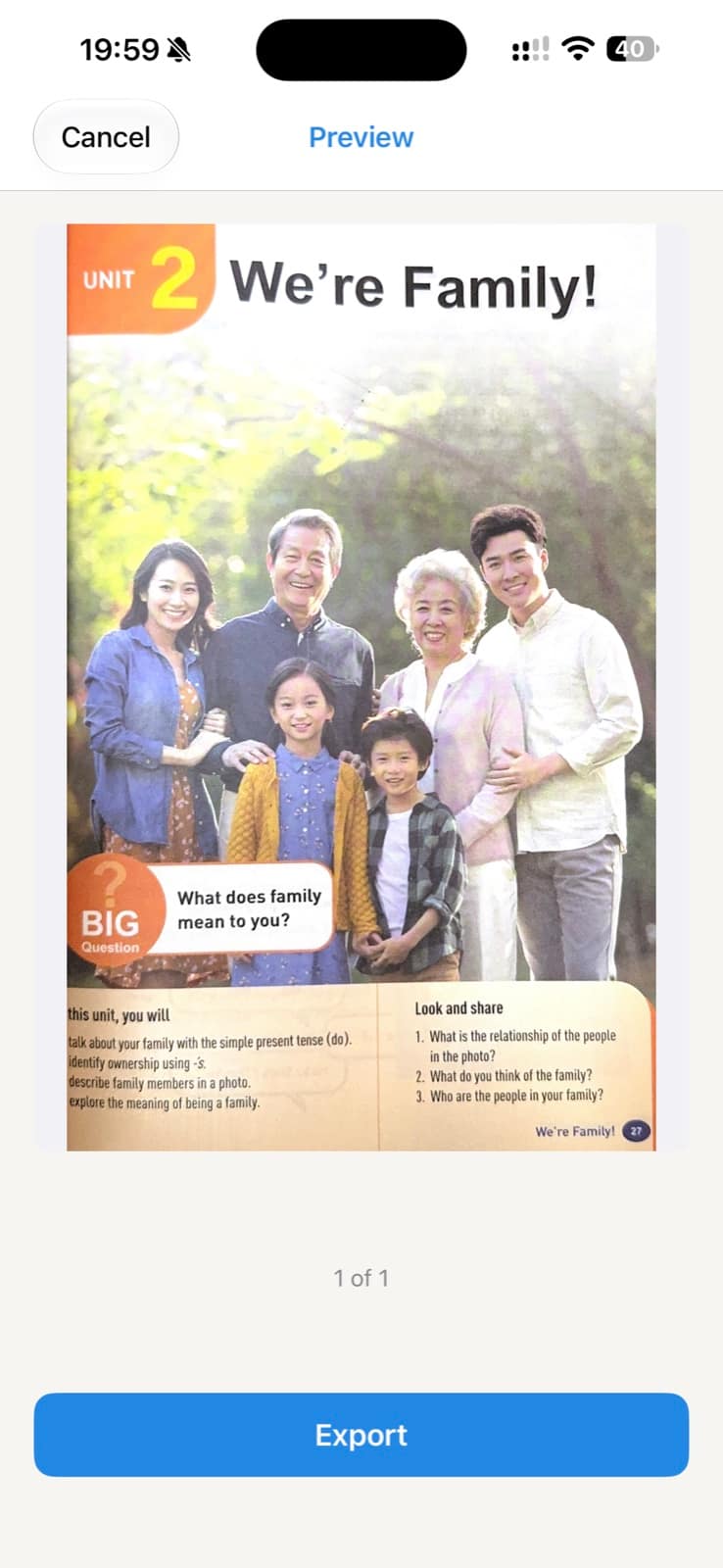
Automatically find document edges, crop extra background, and correct perspective.
Enhance and extract
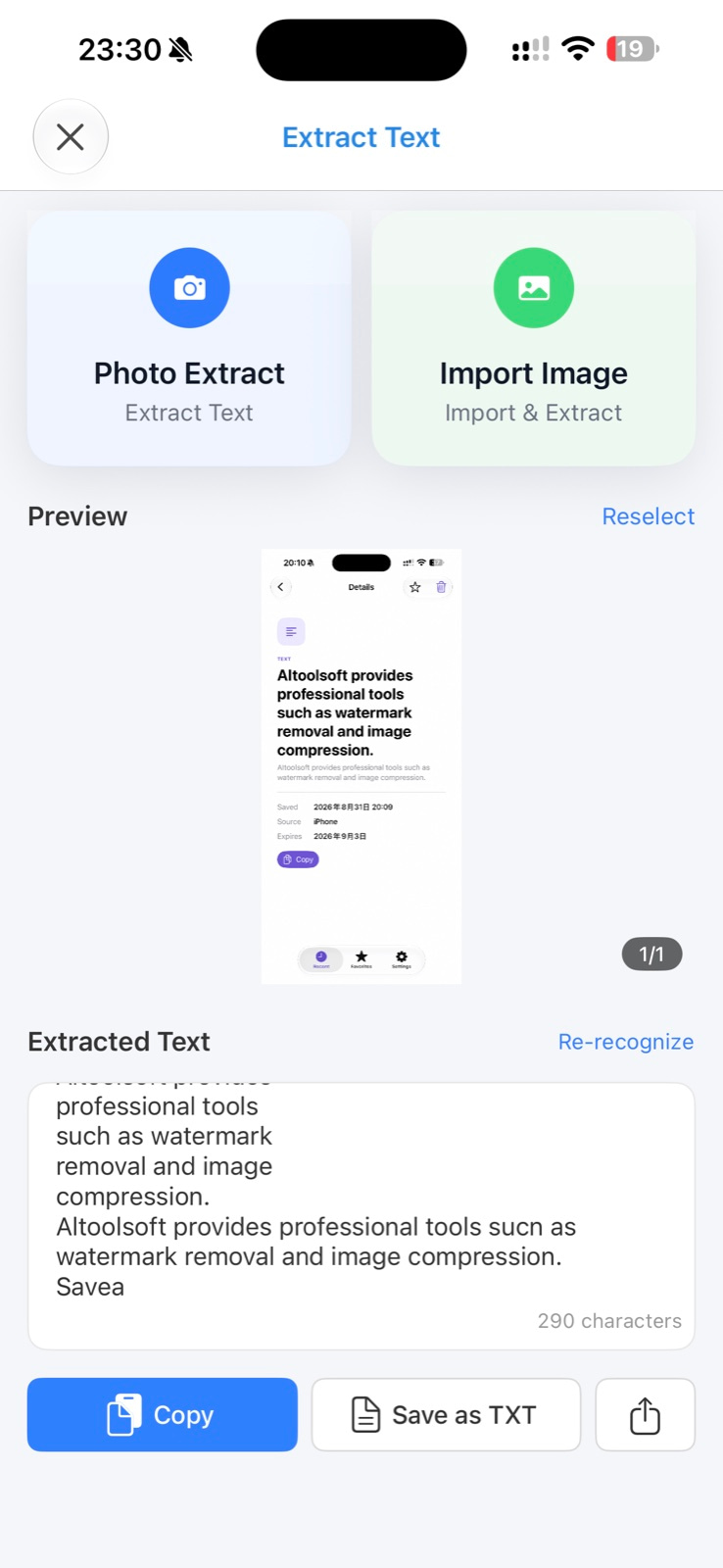
Reduce shadows, improve readability, and extract text from photos or imported images.
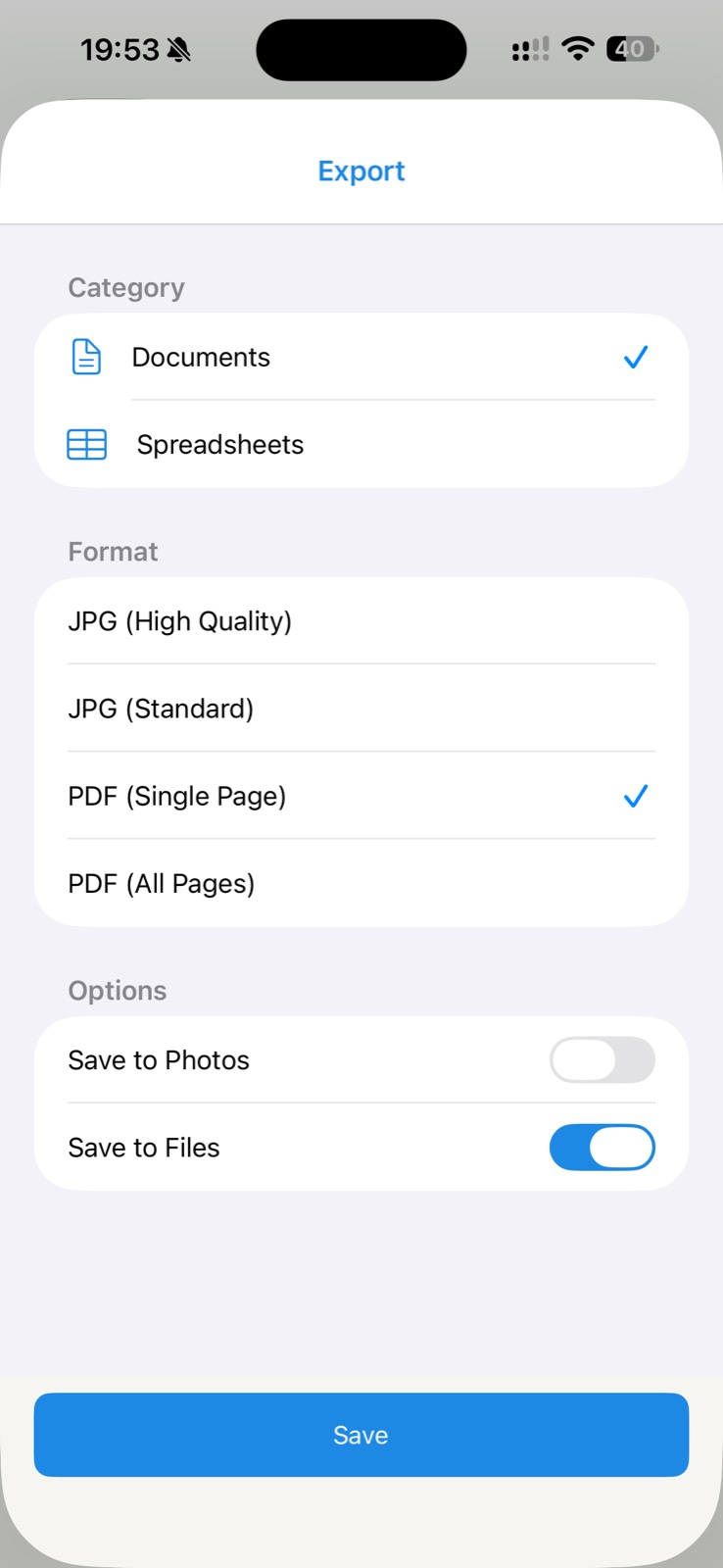
Export your way
Save individual JPG files, combine multiple pages into a PDF, or copy OCR text.
From capture to a ready-to-use file.
A focused workflow for scanning, reviewing, extracting text, and exporting.
Useful for everyday documents.
A focused scanner for common situations at work, school, and home.
Receipts and records
Digitize paper you want to keep without carrying the original everywhere.
Notes and handouts
Save a readable copy in the format that suits your next step.
Forms and paperwork
Create a file that is easier to store, organize, or send.
Scan documents wherever the work happens.
Download AlignScan for iPhone and iPad. Upgrade once for lifetime access—no subscription.