
Put the right background behind every shot.
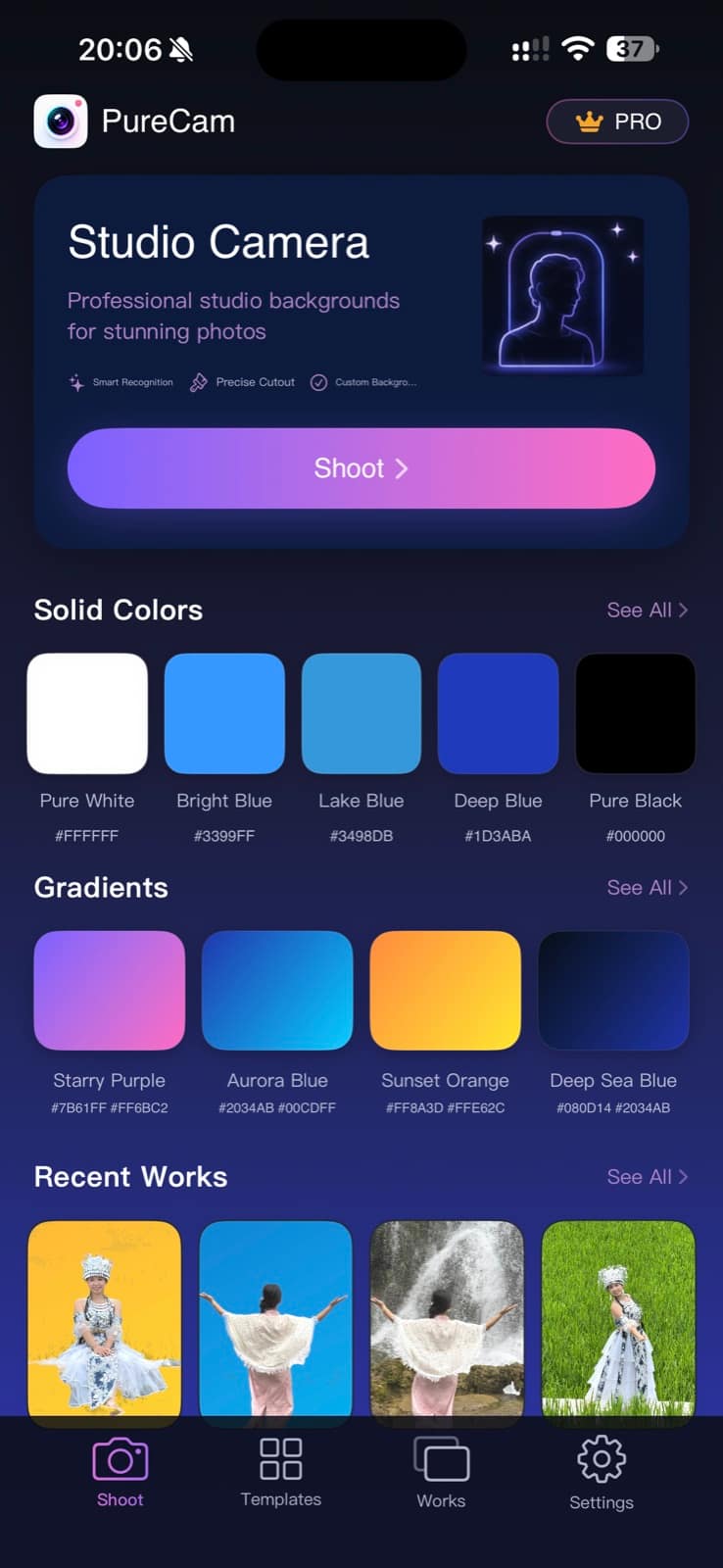
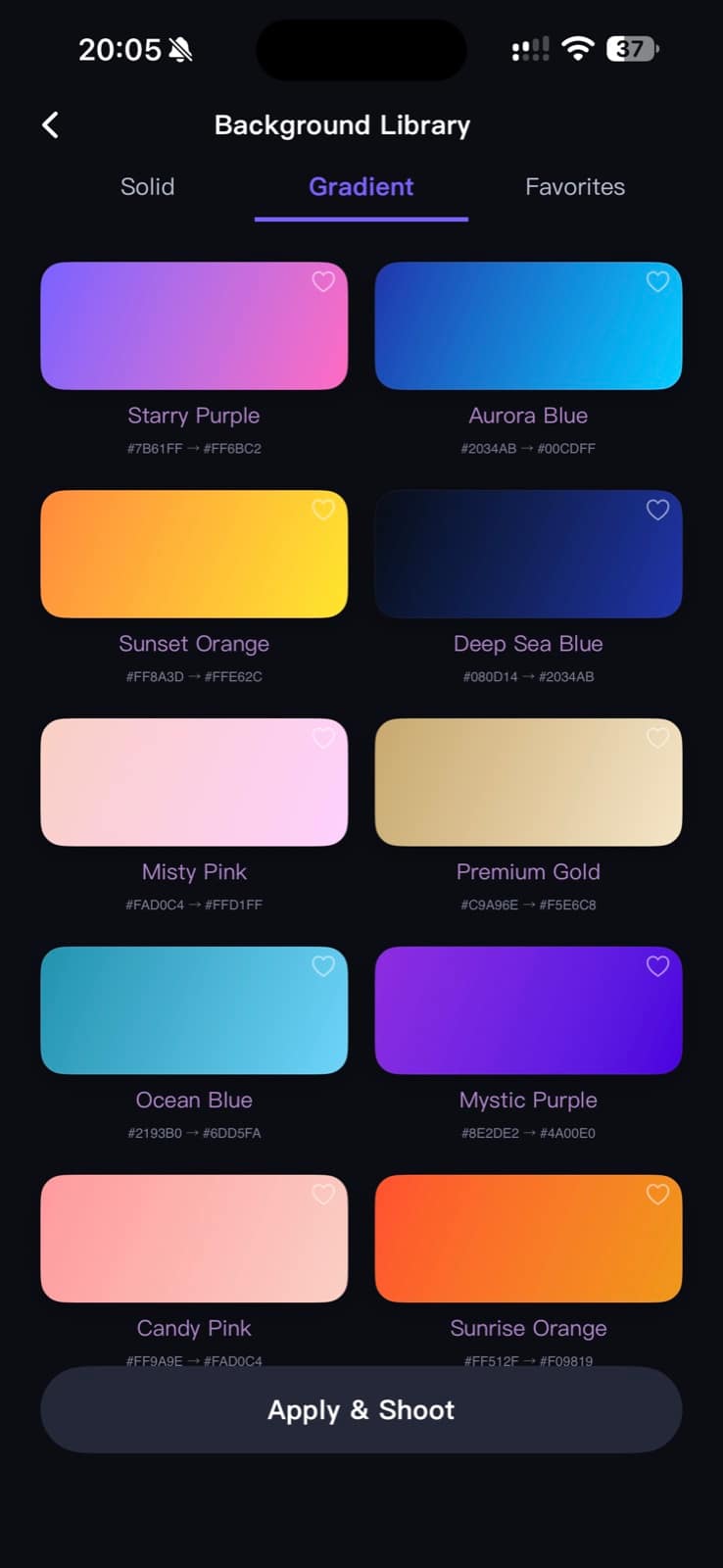
Choose a solid color, gradient, or ready-made template before you shoot. PureCam recognizes the subject and creates a clean, studio-style background automatically.
Studio-style results without a complicated editor.
PureCam combines subject recognition, background replacement, and capture in one simple workflow.
Choose a background
Start with a solid color, gradient, or fixed background template.
Let PureCam place the subject
Automatic subject recognition replaces the scene behind you without manual cutouts.
Save and revisit
Save the finished photo to your device and browse your recent creations.
Choose the look before you shoot.
Browse colors and gradients, let PureCam replace the background, then save or share the finished image.

A clean tool for visual flexibility.
Useful when the scene around you is not the scene you want in the image.
Profile images
Create a more intentional setting for personal or professional photos.
Product moments
Place an object against a background that supports the presentation.
Creative shots
Experiment with different visual contexts directly from your camera workflow.
Choose the setting before you take the shot.
Download PureCam for iPhone. All backgrounds are included, with no ads or subscription; PureCam Pro is a one-time purchase to remove the watermark.