
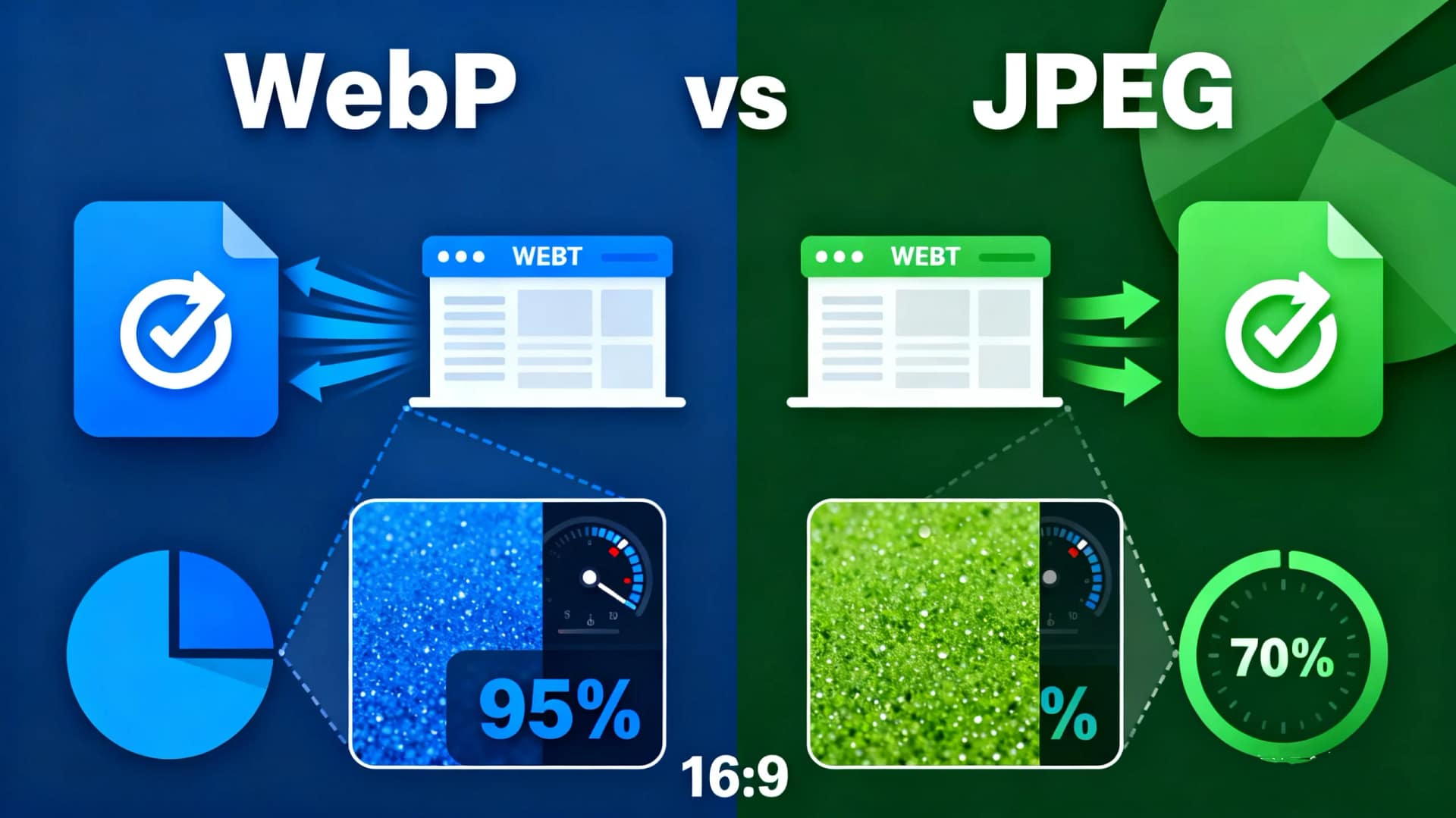
In today’s fast-paced digital world, website performance and user experience are critical for SEO and engagement. One of the easiest ways to improve your site’s speed is by optimizing images. But with multiple image formats available, which one should you choose—WebP or JPEG? In this article, we’ll explore the differences between these two formats, explain why WebP is often the better choice, and introduce a powerful tool, AiToolSoft Image Converter, to help you convert images seamlessly.
Why Image Format Matters for Your Website
Images account for a significant portion of a webpage’s size. Large, unoptimized images can slow down your site, leading to higher bounce rates and lower search engine rankings. Choosing the right format ensures a balance between quality and performance.
WebP vs JPEG: Key Differences

Choosing the right image format is crucial for website speed, user experience, and SEO. While JPEG has been the long-time standard, WebP is the modern contender. Below is a direct comparison to help you decide.
WebP vs JPEG: Detailed Comparison Table
| Feature | WebP | JPEG |
|---|---|---|
| Compression | Superior. Supports both Lossy & Lossless compression. | Good. Lossy compression only. |
| File Size | Smaller. Typically 25-35% smaller than JPEG at similar visual quality. | Larger. Requires higher file size to maintain quality. |
| Image Quality | Excellent. Better detail preservation and fewer artifacts at smaller sizes. | Very Good. Ideal for photos but can show blurring/blocks at high compression. |
| Transparency | ✅ Yes. Supports alpha channel transparency (like PNG). | ❌ No. Does not support transparent backgrounds. |
| Animation | ✅ Yes. Supports animated images (lightweight GIF alternative). | ❌ No. Static images only. |
| Browser Support | Excellent for modern browsers (Chrome, Firefox, Edge, Safari 14+). Limited support in old IE. | ✅ Universal. Supported by all browsers and devices. |
| SEO & Performance Impact | ⭐ High Impact. Smaller files drastically improve page load speed and Core Web Vitals scores. | ⭐ Moderate Impact. Requires careful optimization to match WebP’s speed benefits. |
| Best Use Case | Modern websites, UI graphics, banners, animated icons – where speed and features are priorities. | Legacy projects, email templates, broad-compatibility needs – where universal support is critical. |
Why WebP Is the Better Choice for Modern Websites
While JPEG remains a reliable format, WebP is the future of web images. Its smaller file sizes, superior compression, and additional features (like transparency) make it ideal for enhancing site performance and user experience. For older browser compatibility, you can implement fallbacks using HTML or plugins.
How to Convert Images to WebP or JPEG
Manually converting images can be time-consuming, but tools like AiToolSoft Image Converter simplify the process. This user-friendly tool allows you to:
- All operations can be completed online. Please visit Image Converter.
- Convert images seamlessly between formats like WebP, JPEG, PNG, BMP, JPG and more.
- It’s incredibly user-friendly—no technical background needed. Just upload, convert, and download in three simple steps.
- Maintain image quality while reducing file size.
Whether you’re optimizing an entire website or preparing images for a blog, AiToolSoft Image Converter ensures your visuals are web-ready and performance-friendly.
Conclusion
When deciding between WebP and JPEG, WebP is the clear winner for modern websites due to its smaller file sizes, better compression, and SEO benefits. However, JPEG remains a viable option for broader compatibility. To effortlessly convert and optimize your images, try AiToolSoft Image Converter—a must-have tool for webmasters and content creators.


