
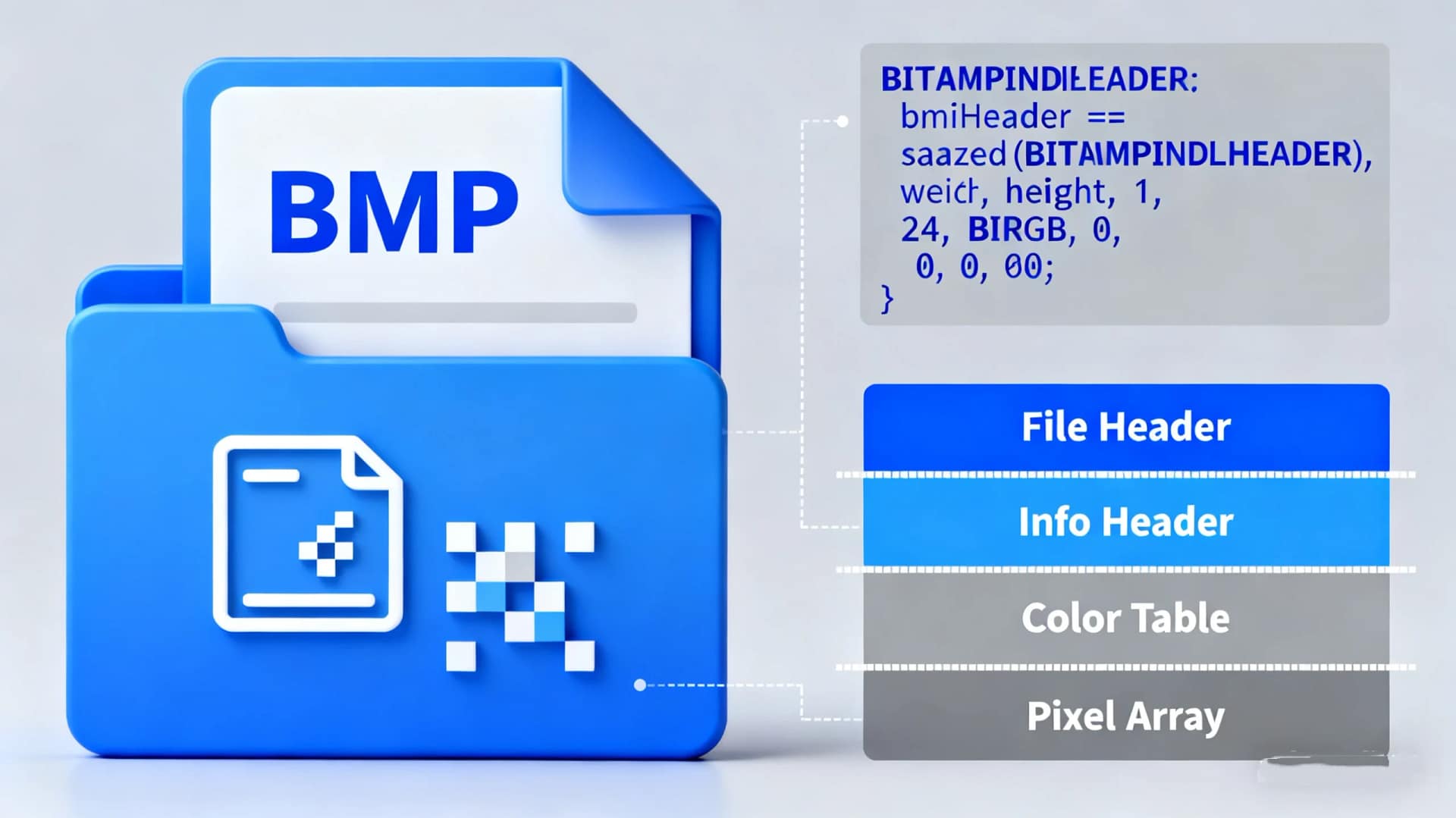
A BMP file, short for Bitmap Image File, is a raster graphics format commonly used to store digital images. Developed by Microsoft, BMP files are widely recognized for their simplicity and compatibility with various Windows applications. Unlike compressed formats, BMP images are typically uncompressed, preserving original quality but resulting in larger file sizes.
Definition of BMP
BMP stands for Bitmap, a raster graphics image file format used to store bitmap digital images. These files contain pixel data stored as a grid of individual dots, each representing a specific color. BMP files support various color depths and can include alpha channels for transparency.
How It Works
BMP files store image data in a straightforward manner: each pixel is defined by its color value, and the data is often stored without compression. Consequently, BMP images maintain high quality but consume significant storage space. Additionally, these files consist of a file header, information header, color table, and bitmap data.
Benefits of BMP
High Quality: Since BMP files are usually uncompressed, they retain full image detail.
Wide Compatibility: Supported by many operating systems and image viewers.
Easy Editing: Ideal for simple graphic editing tasks due to their uncomplicated structure.
Limitations of BMP
Examples of BMP Usage
BMP files are often used in:
Digital scrapbooking
Simple logo designs
Windows wallpapers and icons
Medical imaging systems
How to Open a BMP File
You can open a BMP file with most image viewers, including:
Windows Photos
Microsoft Paint
Adobe Photoshop
IrfanView
If you need to edit or convert a BMP file, consider using a reliable tool for better results.
Conclusion
BMP is a straightforward, high-quality image format ideal for basic graphics and editing. While it lacks compression and advanced features, it remains a reliable choice for certain applications. For everyday use, however, consider converting BMP files to more efficient formats.
Use Aitoolsoft Free Online Image Converter to convert image file to JPEG, PNG, or other formats quickly and easily.


