 CleanMac for macOS
Free up space on your Mac.
Clear junk files, uninstall apps and find duplicates with CleanMac. Every scan runs on your Mac, and you can review the results before cleaning.
macOS 13 or later · No account required

What CleanMac can do
Every module focuses on one job, with clear previews before anything is removed.
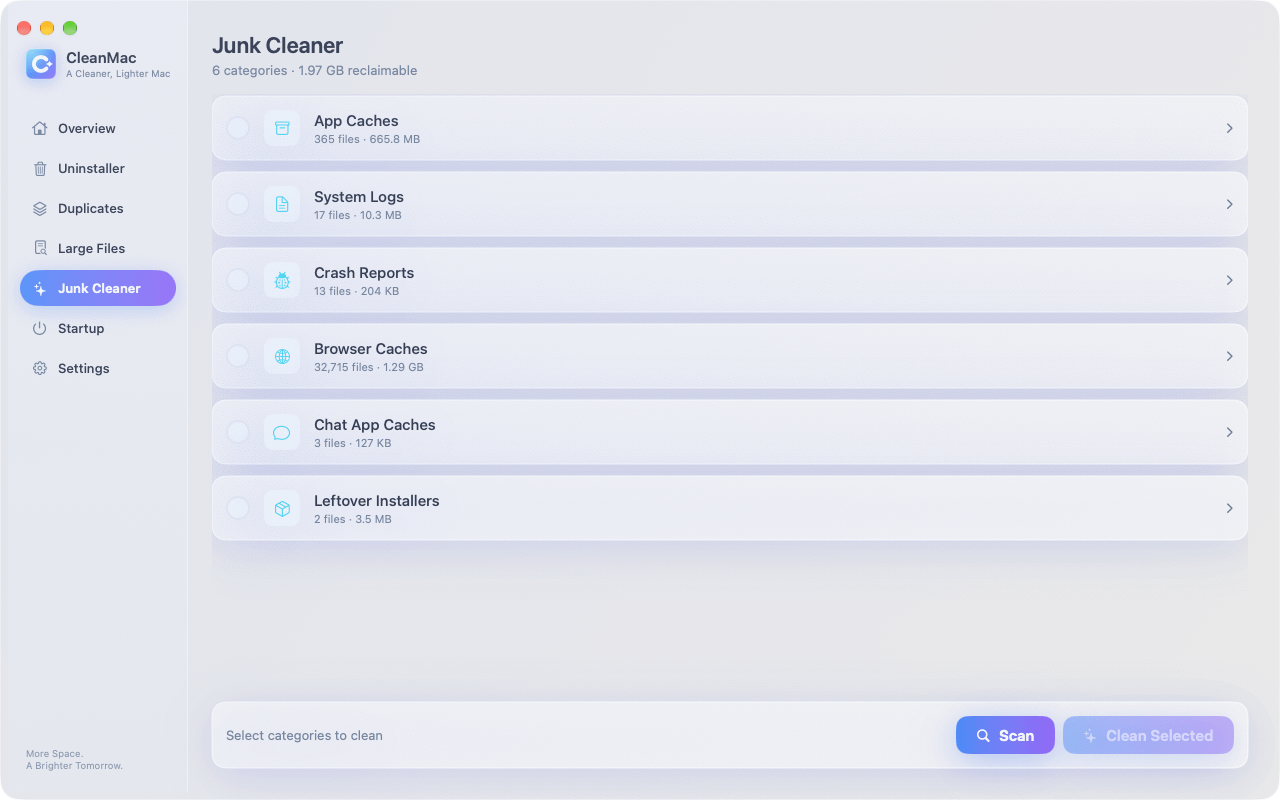
Clear out junk files
Safely remove system caches, old logs, and broken downloads that clog your disk.
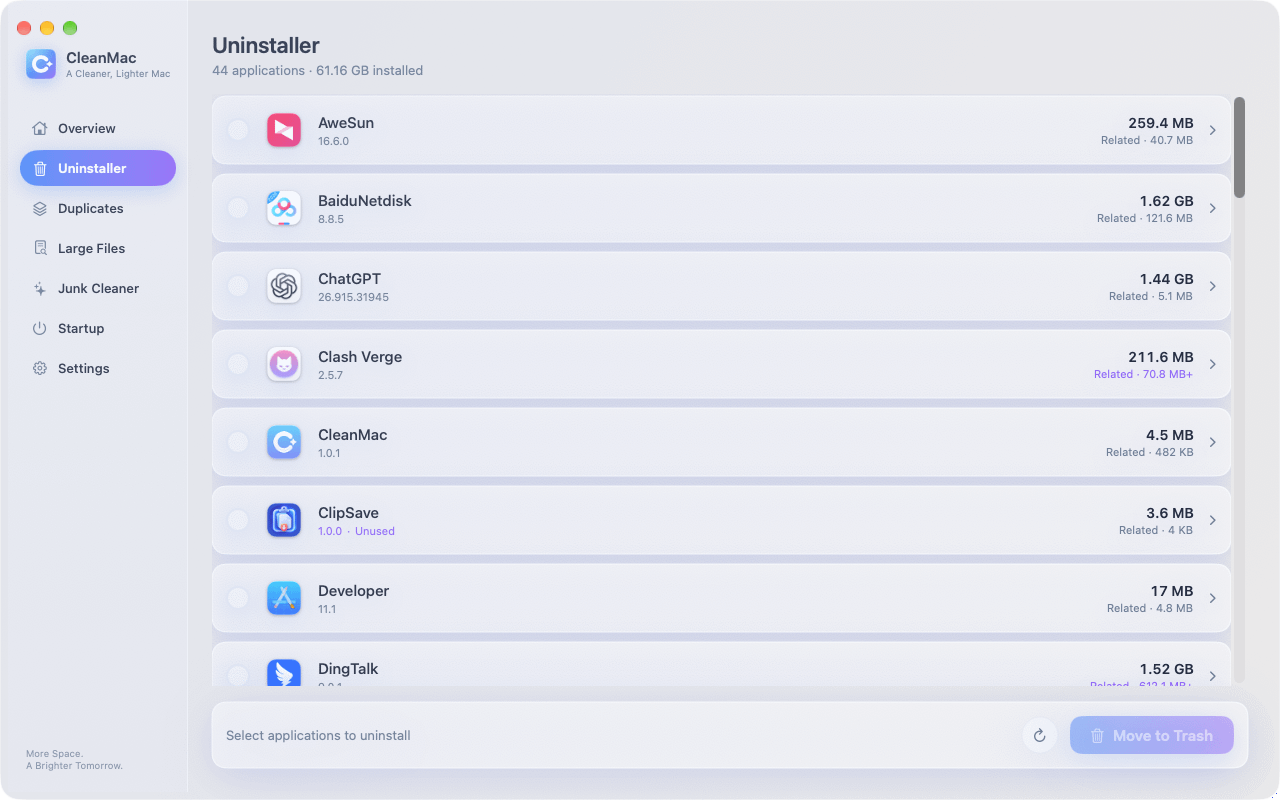
Uninstall apps completely
Remove applications along with their related files, not just the icon.
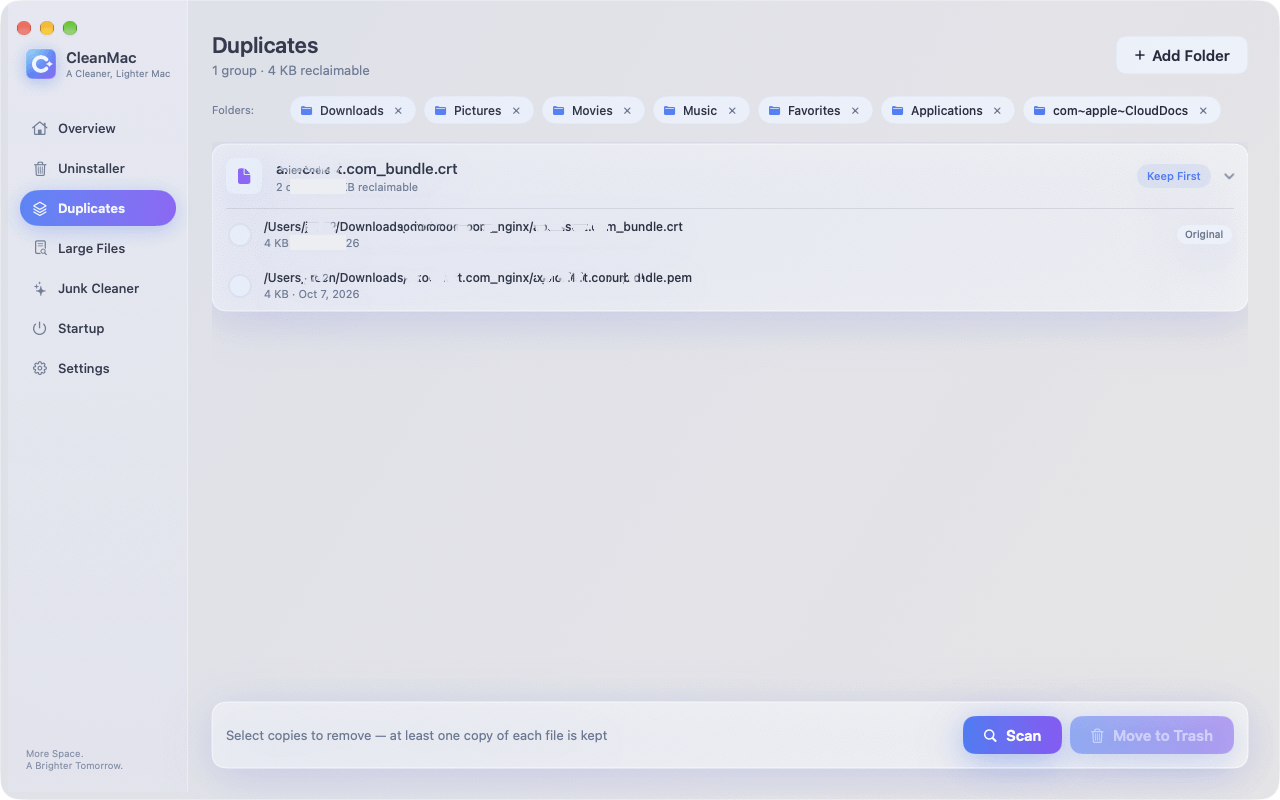
Find duplicates & large files
Spot duplicate photos and locate huge files you forgot about.
How cleanup works
No learning curve and no hidden automation. You see exactly what CleanMac finds before anything is removed.
Scan
Open CleanMac and pick a module. It shows you exactly what it finds — nothing touches anything yet.
Review
Browse each result and deselect anything you want to keep. Every item is a live preview.
Clean
Send selected items to the Trash with one click. Nothing is deleted without you.
Global Trust
Numbers that reflect our reach and the trust of users worldwide.
Used by teams at world-famous companies


More apps from Aitoolsoft
Productive tools for Mac, iPhone and iPad.
ClipSave
Mac · iPhone · iPadPrivate, searchable clipboard history that syncs through your own iCloud.


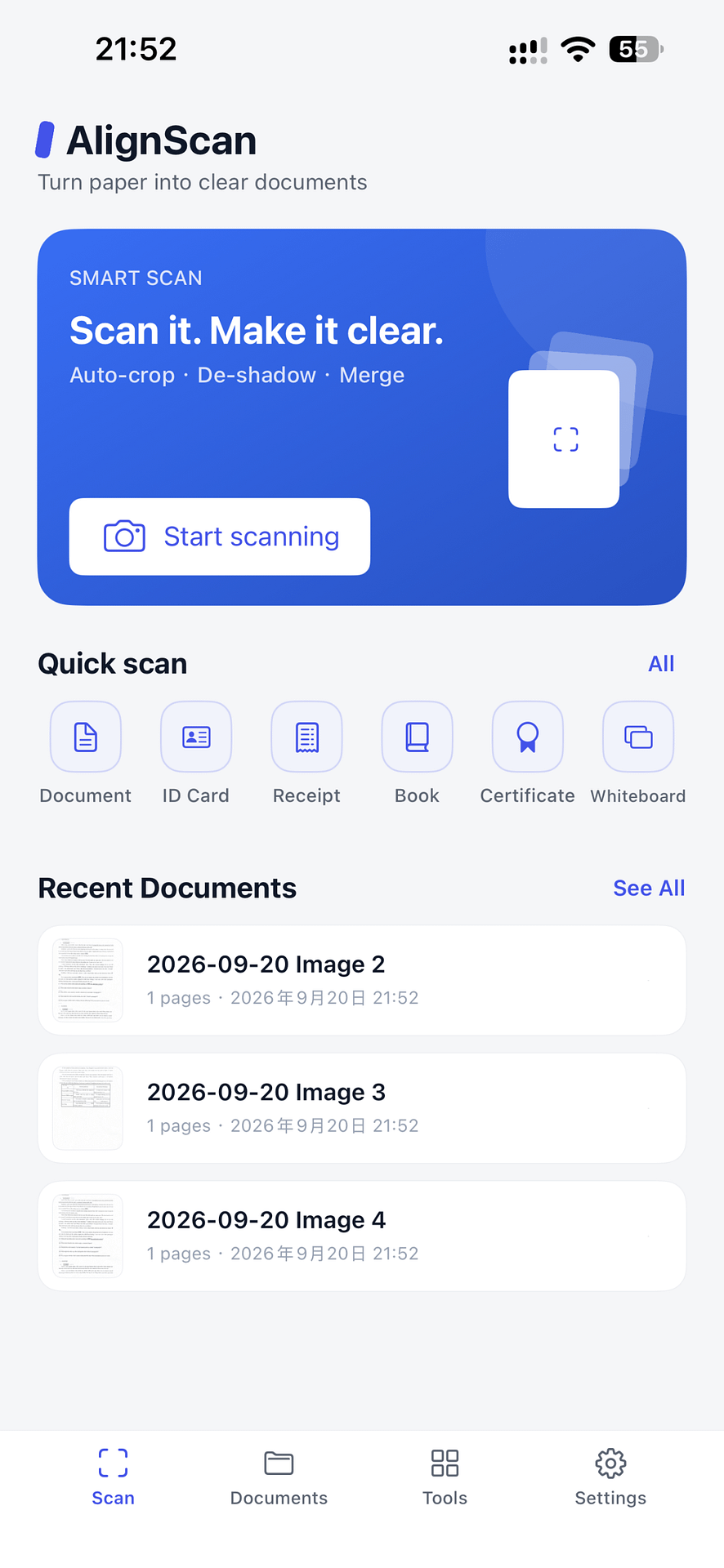
AlignScan
iPhone · iPadScan documents, auto-crop, correct perspective and export clean PDFs.

PureCam
iPhone · iPadStudio camera with AI backgrounds, smart cutout and custom templates.


LuckySpin
iPhone · iPadRandom wheels, dice, coins and numbers for any quick decision.

Free online tools
Handy web apps that run right in your browser — no install needed.