Your Mac, Cleaner and Lighter
CleanMac is a free Mac cleaner that removes junk files, uninstalls apps completely, finds duplicate and large files, and manages startup items — so your Mac stays fast and your storage stays yours. Every scan runs locally on your Mac, with nothing uploaded and no account required.
Version 1.0.1 · macOS 13 Ventura or later · 100% free
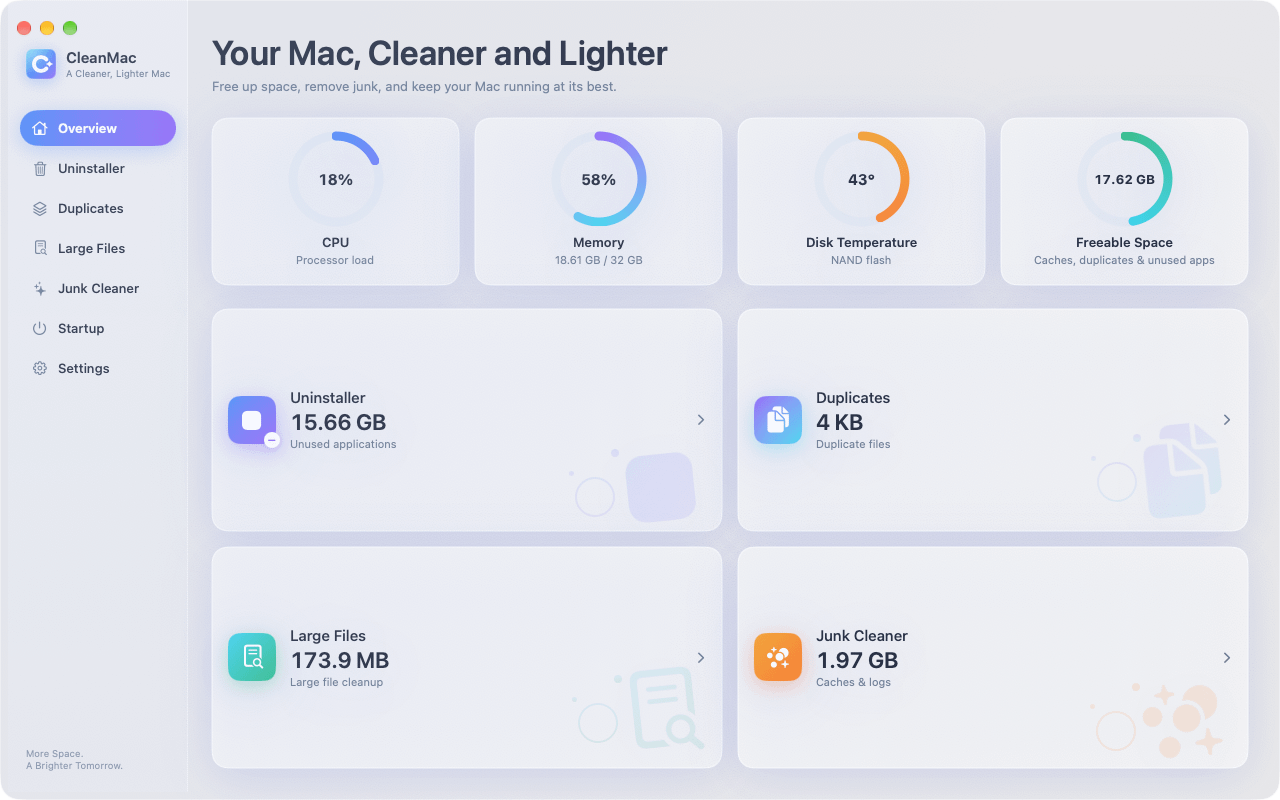
A cleaner Mac in three steps.
No learning curve and no hidden automation. You see exactly what CleanMac finds before anything is removed.
Scan
Open CleanMac and pick a module. The Overview dashboard shows CPU load, memory, disk temperature, and freeable space at a glance.
Review
Every result is a preview. Check exactly which files, apps, or startup items are affected before you change anything.
Clean
Move selected items to the Trash with one click. Nothing is deleted behind your back, and you can restore from the Trash if you change your mind.
Six tools. One lightweight app.
Each module focuses on one job, with a clear preview before you clean.
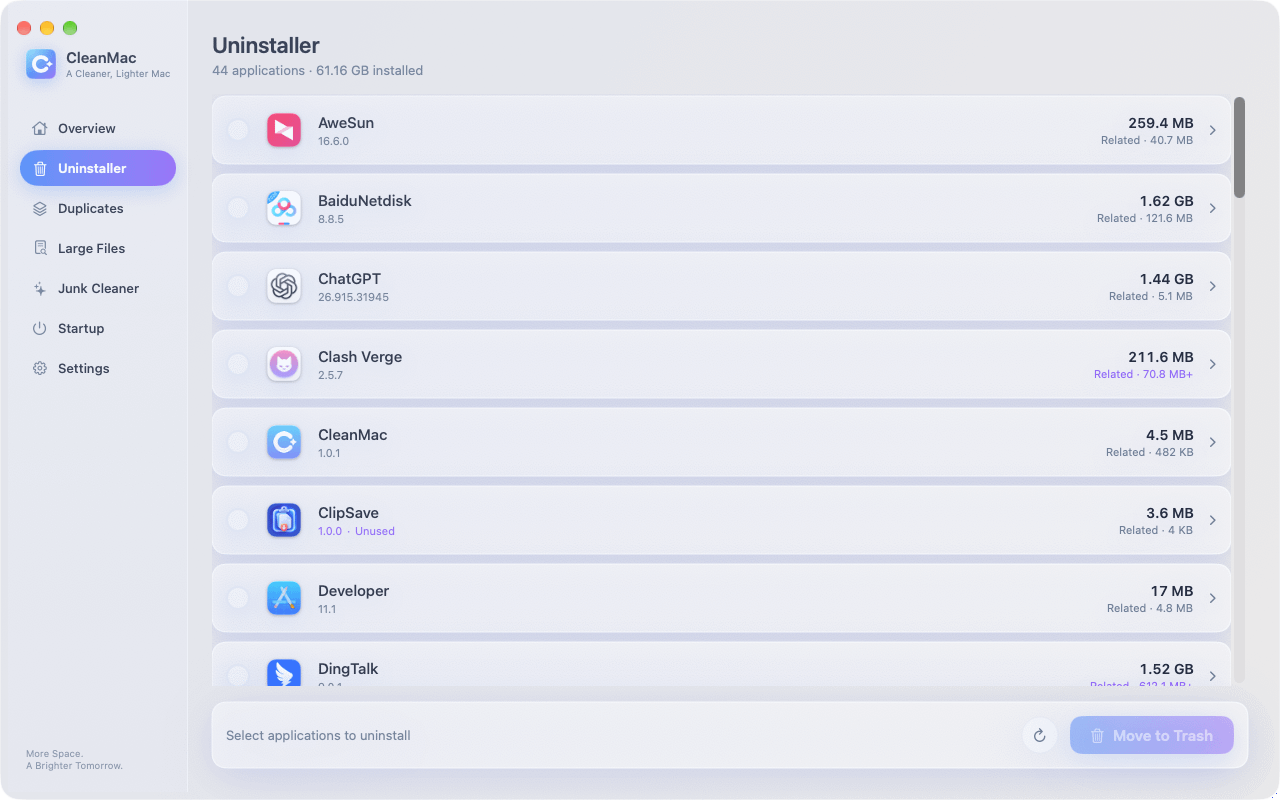
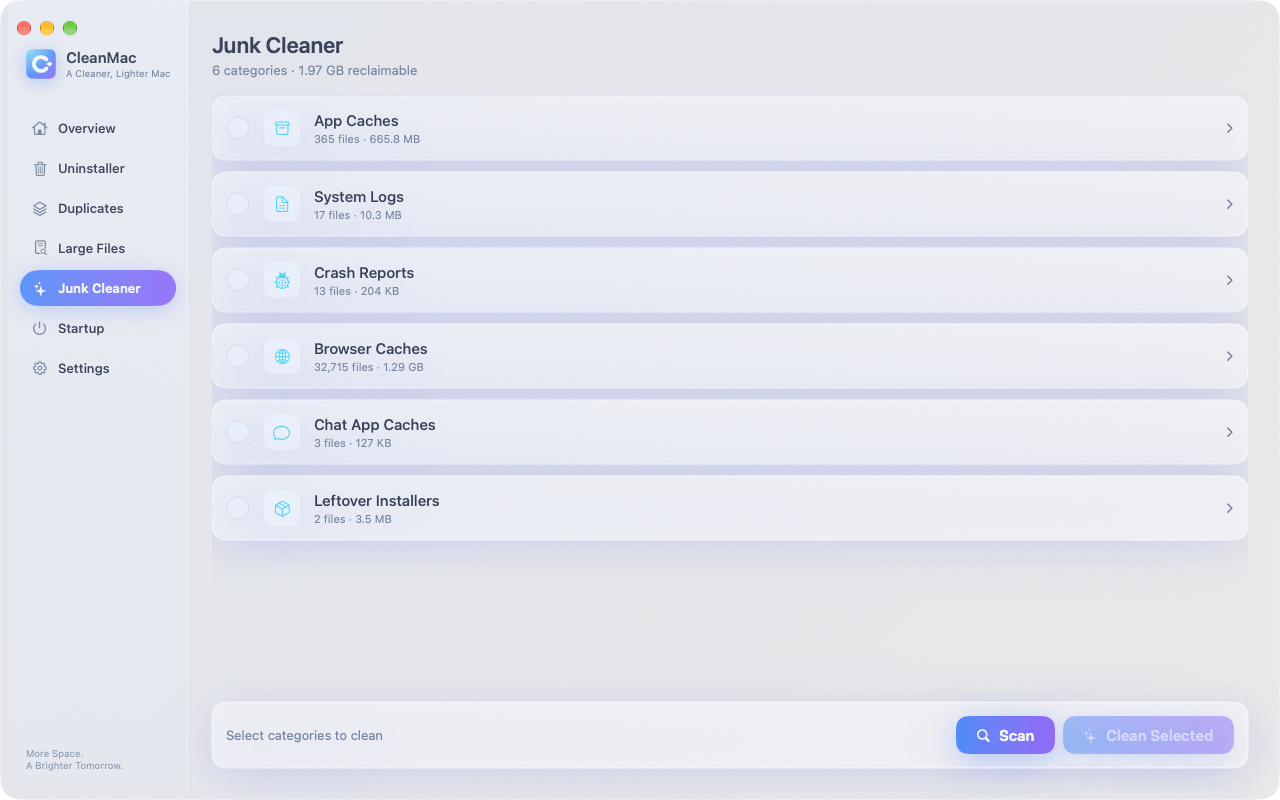
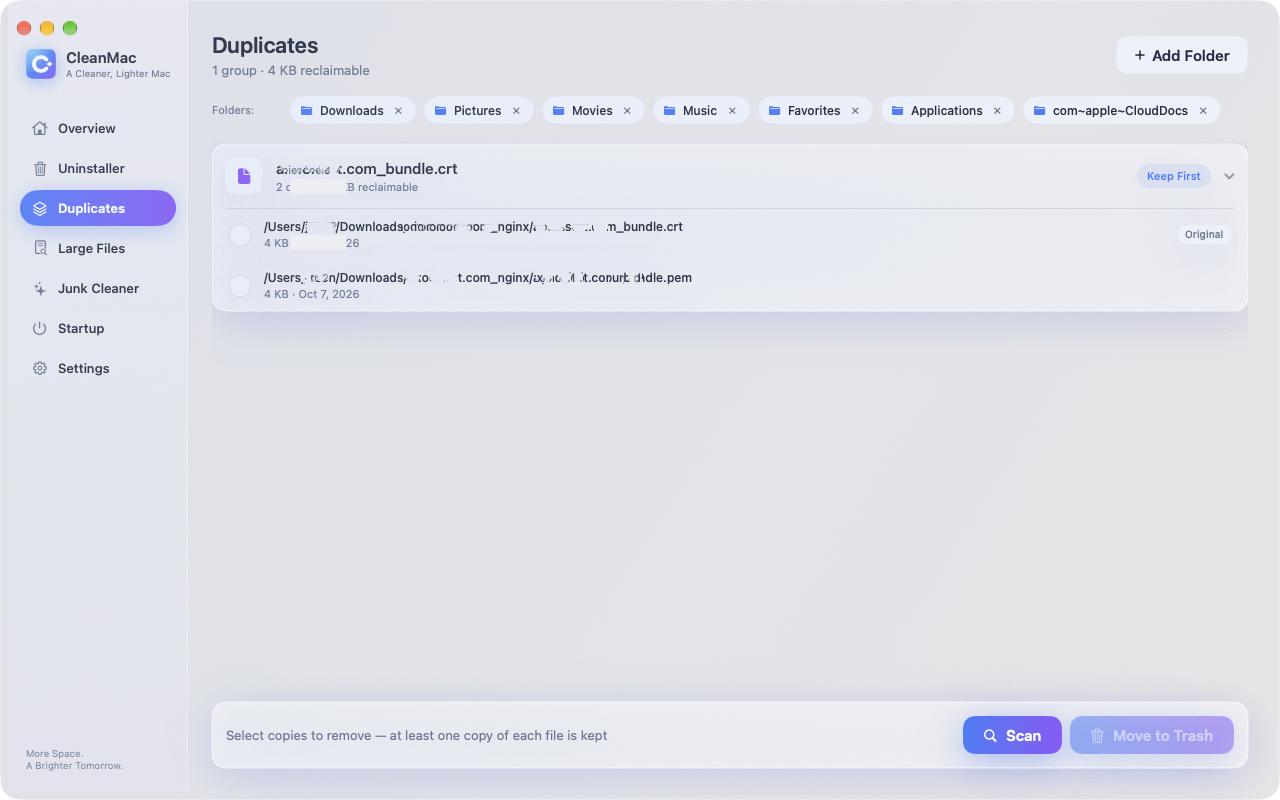
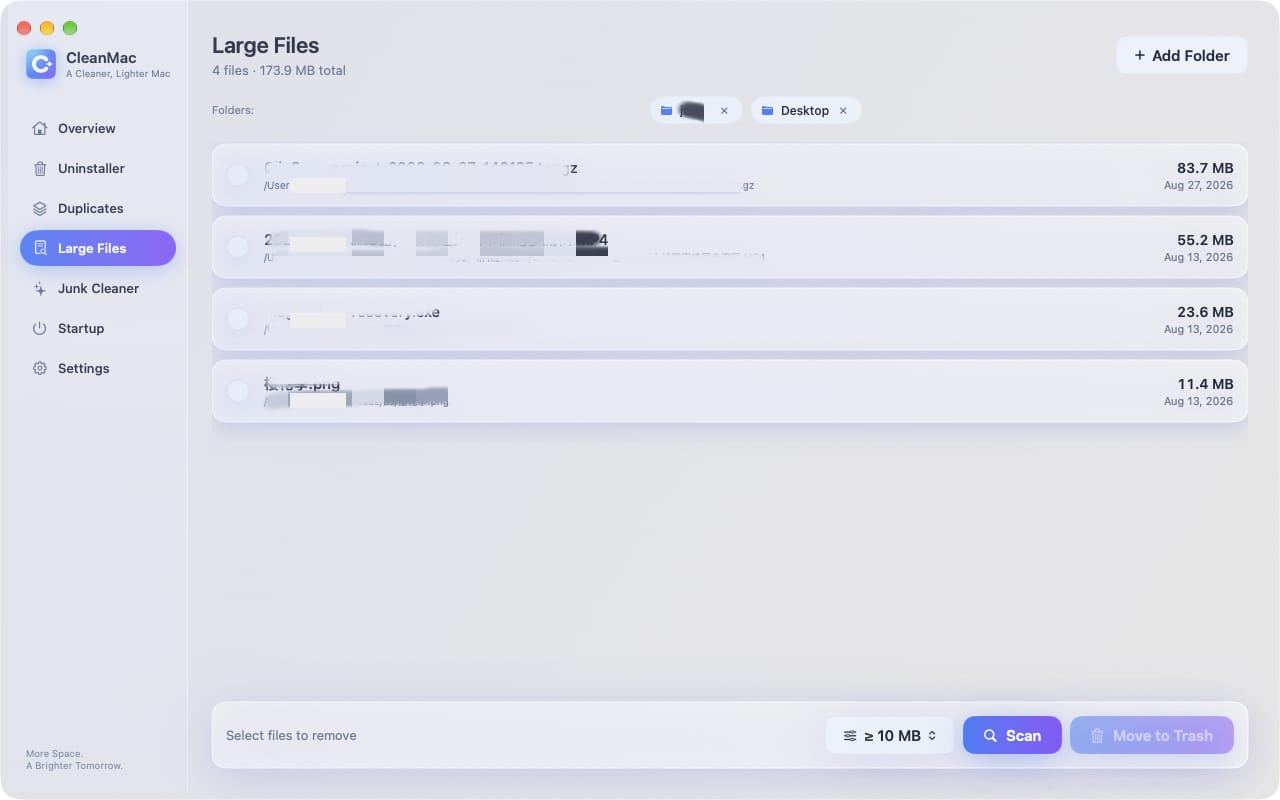
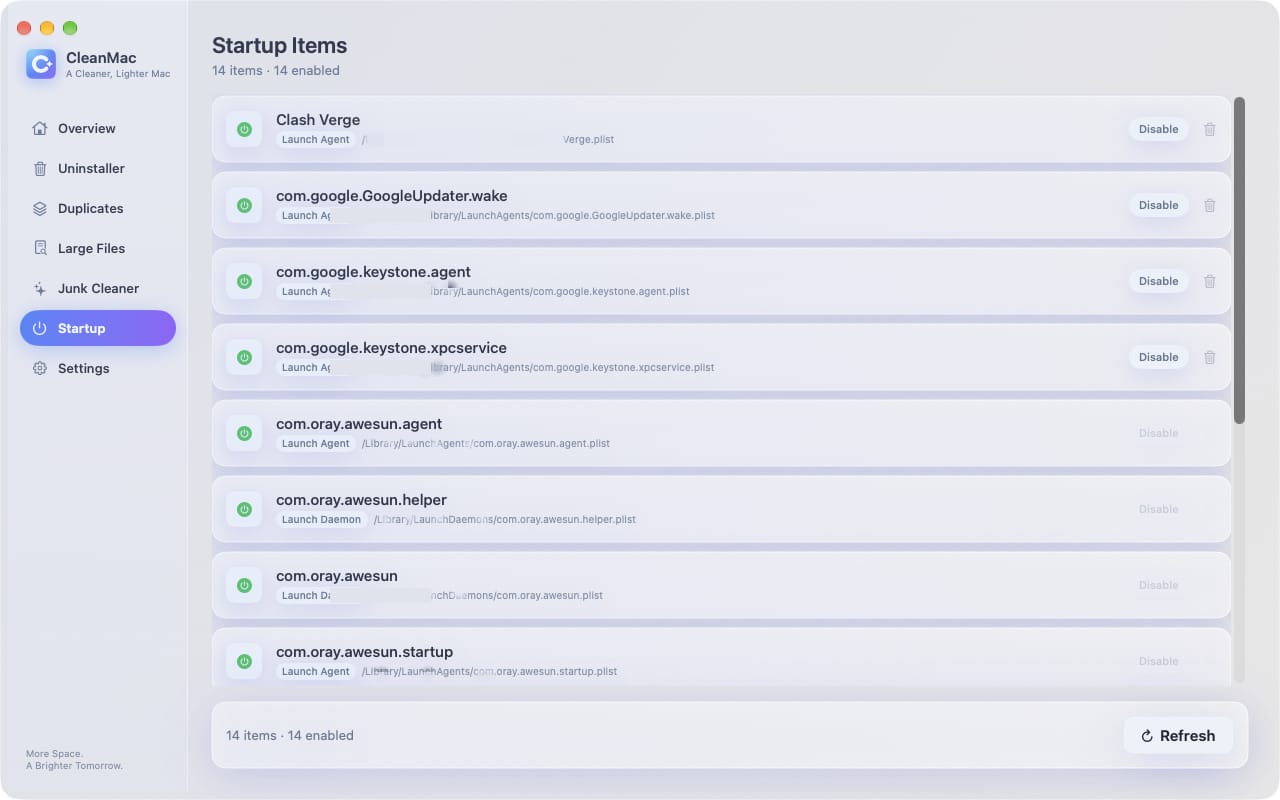
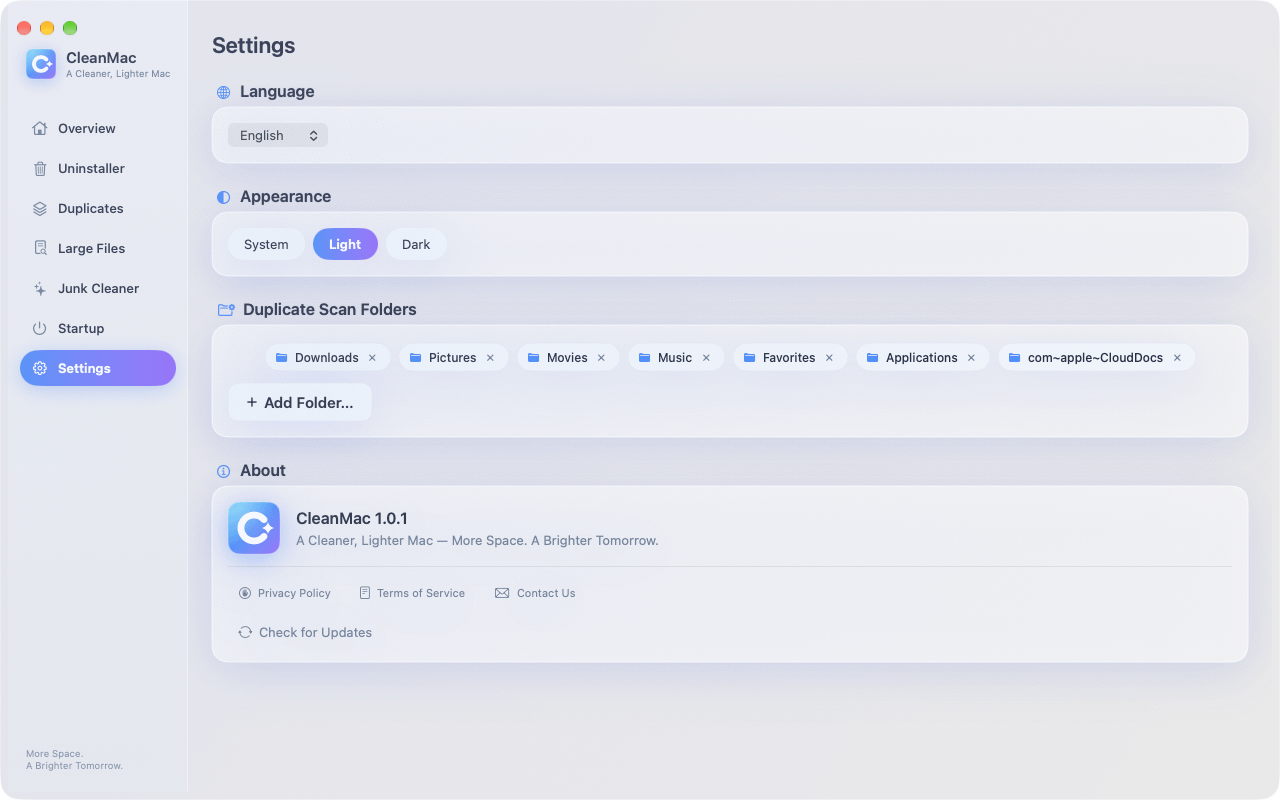
More space. A brighter tomorrow.
A focused toolkit for the everyday slowdowns and storage drains every Mac collects over time.
Reclaim gigabytes
Caches, logs, duplicates, and forgotten downloads add up fast. CleanMac finds them in one pass and shows you exactly what is safe to remove.
Speed up startup
Too many login items make every boot slower. Review launch agents and daemons, then disable or remove the ones you do not need.
Uninstall with confidence
Dragging an app to the Trash leaves related files behind. CleanMac removes the app together with its support files, caches, and preferences.
Free. Genuinely free.
CleanMac is free to download and use — every module included, no trial period, no subscription, and no in-app purchases.
CleanMac
$0free forever · all features included
- All six cleaning modules
- System overview dashboard
- Startup item management
- 11 languages, Light and Dark mode
- Free updates
CleanMac, privacy, and safety.
What is CleanMac?
CleanMac is a free cleaner app for macOS. It combines six modules — a system overview, junk cleaner, app uninstaller, duplicate file finder, large file cleanup, and startup item manager — in one lightweight app. It requires macOS 13 Ventura or later.
Is CleanMac really free?
Yes. CleanMac is free to download and use, and every module is included. There is no trial period, no subscription, and no in-app purchase.
Is CleanMac safe to use?
Yes. CleanMac shows a preview of everything it finds, and nothing is removed until you select it. Files are moved to the Trash rather than permanently erased, so you can restore them if you change your mind.
Does CleanMac upload or collect my data?
No. All scanning and cleaning happens locally on your Mac. CleanMac does not require an account, does not upload your files, and does not collect your personal data.
Which macOS versions does CleanMac support?
CleanMac requires macOS 13 Ventura or later. The interface is available in eleven languages, including English, Simplified and Traditional Chinese, Japanese, Korean, German, French, Spanish, Italian, Turkish, and Thai.
What can CleanMac clean?
App caches, system logs, crash reports, browser caches, chat app caches, leftover installers, old downloads, temporary files, and the Trash — plus complete app removal with related files, duplicate files, large files of 10 MB or more, and login startup items.
How do I uninstall CleanMac?
Quit CleanMac, then move it from Applications to the Trash. CleanMac keeps no background processes running after you quit.
Give your Mac a fresh start today.
Download CleanMac for free and see how much space you can reclaim in minutes.