
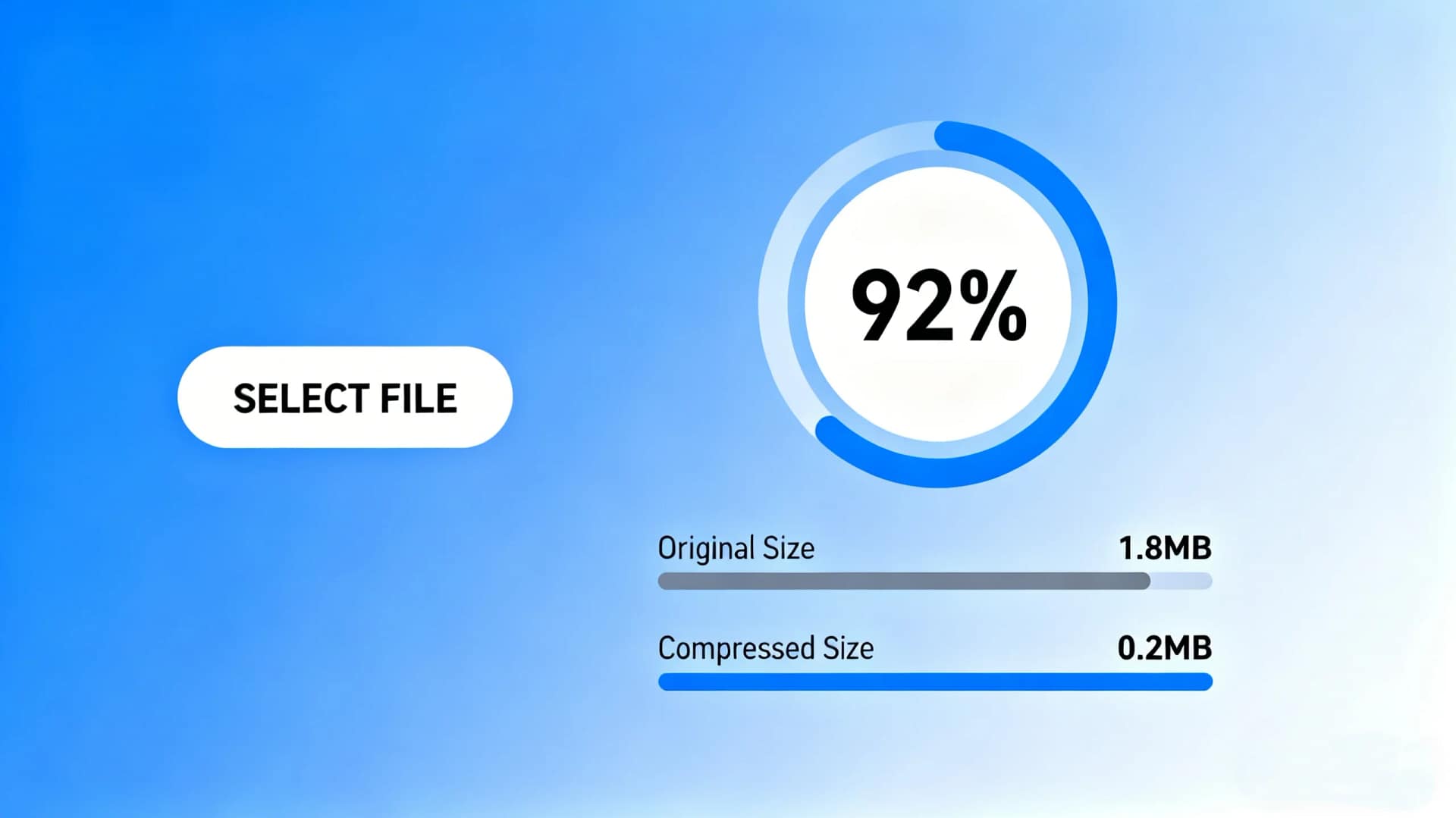
Large GIF files are a common problem for websites, emails, and social media platforms. While GIFs are excellent for short animations and visual explanations, their file sizes can quickly become excessive, leading to slow page loading times and upload limitations. This is why learning how to compress GIF files efficiently is essential for designers, marketers, and everyday users.
In this guide, you will learn what GIF compression is, why it matters, and how to compress GIF files online using AiToolSoft Image Compressor, a free and user-friendly tool that allows you to reduce GIF size to a specific target without installing any software.
What Does It Mean to Compress a GIF?
To compress a GIF means reducing its file size while keeping the animation intact and maintaining acceptable visual quality. GIF compression typically works by:
Reducing the number of colors
Optimizing frames and frame delays
Removing redundant or duplicate pixels
Adjusting resolution or dimensions
Effective compression ensures your GIFs remain visually appealing while becoming faster to load and easier to share.
Why You Should Compress GIF Files
Compressing GIFs offers several practical benefits:
1. Faster Website Performance
Large GIFs can slow down page loading, negatively affecting user experience and SEO rankings.
2. Smaller Upload Sizes
Many platforms impose strict file size limits. Compressing GIFs helps meet these requirements.
3. Reduced Bandwidth Usage
Smaller GIF files consume less data, which is especially important for mobile users.
4. Improved Sharing and Storage
Compressed GIFs are easier to send via email, messaging apps, and cloud services.
How to Compress GIF Online with AiToolSoft Image Compressor
AiToolSoft Image Compressor is a free online tool designed for fast and accurate image compression. It supports GIFs as well as other popular formats, making it suitable for both casual and professional use.
Key Features of AiToolSoft Image Compressor
Free online GIF compression
No registration required
Upload images and compress them to a specified file size
Supports output format control
Works directly in the browser on any device
Step-by-Step Guide
Open the AiToolSoft Image Compressor in your browser
Upload your GIF file
Set your desired output size or compression level
Click Compress and download the optimized GIF
This process allows you to compress GIF files online quickly without sacrificing animation quality.
Compress GIF Without Losing Quality: Best Practices
To achieve the best results when compressing GIFs:
Use only the necessary number of frames
Avoid excessive resolution for small display areas
Limit color depth where possible
Preview the compressed GIF before publishing
AiToolSoft Image Compressor balances compression and visual quality automatically, making it suitable even for users with no technical background.
Who Should Use GIF Compression Tools?
GIF compression is useful for:
Website owners and SEO professionals
Digital marketers and content creators
Designers working with animations
Social media managers
Anyone sharing GIFs online
If performance, compatibility, and usability matter, compressing GIFs should be part of your regular workflow.
Conclusion
Knowing how to compress GIF files effectively can significantly improve website speed, user experience, and content distribution. With AiToolSoft Image Compressor, you can compress GIFs online for free, control output size and format, and achieve professional results in just a few clicks.
Whether you are optimizing images for SEO or preparing GIFs for sharing, this tool provides a simple and reliable solution.


