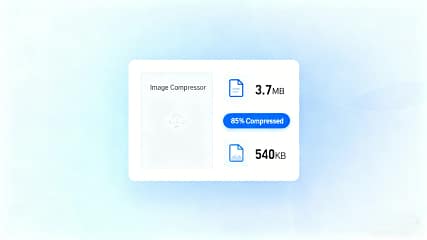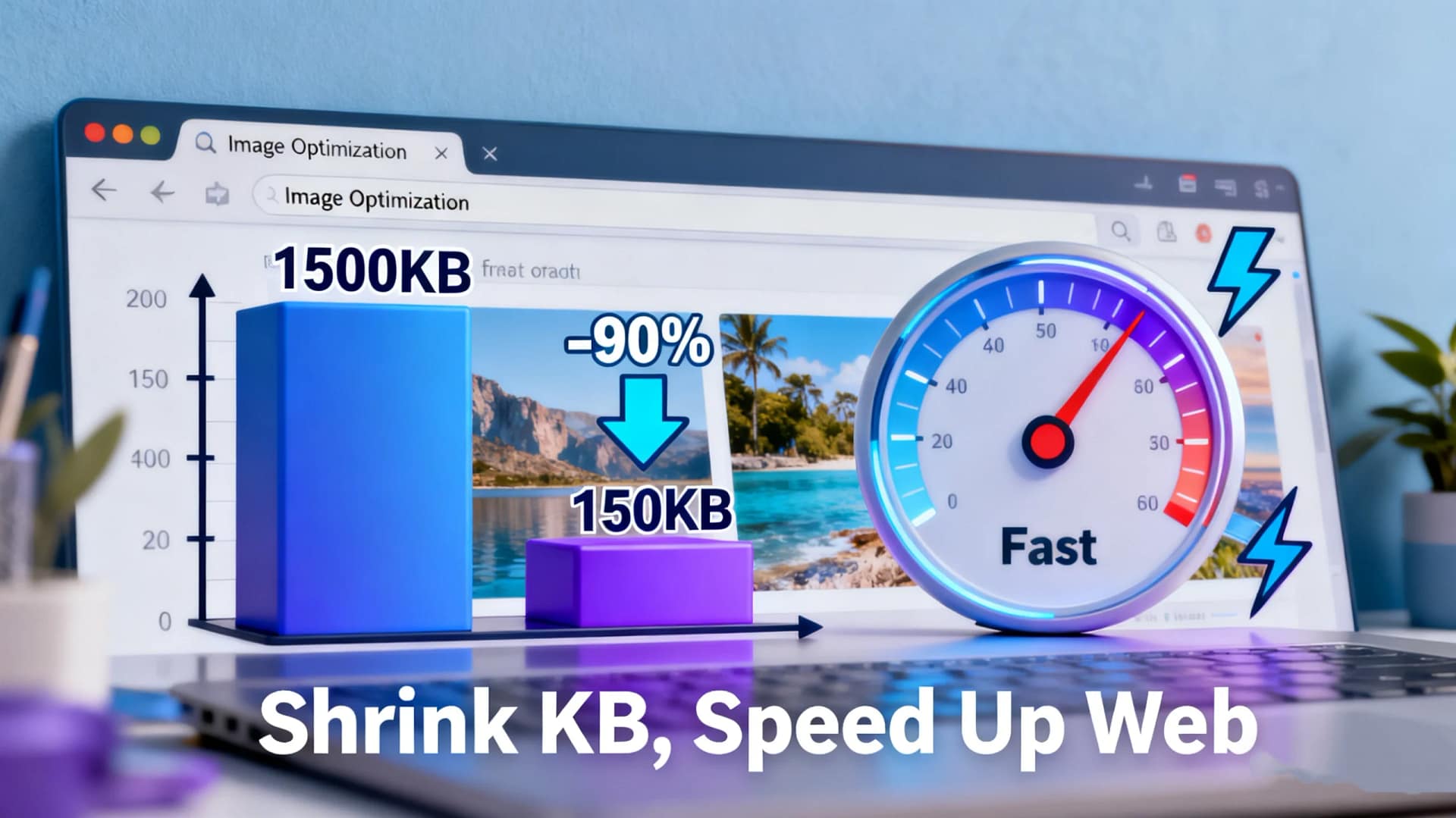
In today’s fast-paced digital landscape, the need for a reliable photo compressor online tool is undeniable. Whether you’re a blogger, web developer, e-commerce manager, or hobbyist photographer, optimizing your images is essential for enhancing website performance, saving storage space, and improving user experience. That’s where AiToolSoft‘s Image Compressor comes into play. This free, web-based solution is designed to efficiently compress photos without compromising visual quality. In this comprehensive guide, we’ll explore why choosing the right online photo compressor matters and how AiToolSoft stands out as a premier choice for all your image optimization needs.
Table of Contents
Why Using a Photo Compressor Online is Essential
Before diving into the specifics of AiToolSoft‘s tool, let’s understand the critical reasons to use an online photo compressor.
Improved Website Speed and SEO: Large, uncompressed images slow down page load times, negatively impacting user engagement and search engine rankings. An online image compressor helps reduce file sizes, leading to faster loading pages, which is a key factor for SEO success.
Reduced Storage and Bandwidth Costs: Smaller image files consume less server storage and bandwidth, which is particularly beneficial for websites with high traffic or limited hosting resources.
Enhanced User Experience: Visitors expect fast, seamless browsing. Compressed images ensure your site is responsive and pleasant to navigate, reducing bounce rates.
Convenience and Accessibility: A web-based photo compressor online requires no software installation. You can compress images from any device with an internet connection, anytime, anywhere.
Introducing AiToolSoft Image Compressor: Your Ultimate Online Solution
AiToolSoft’s Image Compressor is a robust, user-friendly tool crafted to address all these needs effectively. Here’s what makes it an exceptional free online photo compressor.
Key Features and Benefits
High-Efficiency Compression: The tool employs advanced algorithms to significantly reduce the file size of your JPG, PNG, GIF, and other common image formats while maintaining excellent picture quality. You can often reduce size by up to 80% or more with minimal perceptible loss.
Batch Processing: Need to compress multiple photos at once? This online picture compressor supports batch compression, saving you considerable time and effort. Upload several images and compress them all in one go.
User-Friendly Interface: The platform is incredibly intuitive. With a clean, straightforward design, you can compress your photos in just three simple steps: upload, compress, and download. No technical skills are required.
Privacy and Security: AiToolSoft values your data privacy. Uploaded images are processed securely and are not stored on their servers permanently, ensuring your photos remain confidential.
Completely Free and Accessible: As a 100% free online image compression tool, it provides incredible value without hidden costs or watermarks on your compressed images.
How to Use the AiToolSoft Photo Compressor Online
Using this tool is remarkably simple:
Visit: Go to the official page.
Upload: Click to upload your photo(s) from your computer. The batch feature allows multiple uploads.
Compress: The tool automatically starts the intelligent compression process. You may see a preview or options for compression level in some cases.
Download: Once processing is complete, download your optimized, web-ready images instantly.
Who Can Benefit from This Online Photo Compressor?
Website Owners & Bloggers: Speed up your WordPress, Shopify, or any CMS site.
Social Media Managers: Prepare perfectly sized and compressed images for Facebook, Instagram, and Twitter.
E-commerce Sellers: Optimize product catalogs for faster online store performance.
Photographers & Designers: Create lightweight portfolios and send previews to clients quickly.
General Users: Reduce photo sizes for email attachments, online forums, or personal storage.
Conclusion: Optimize Your Workflow with the Best Free Tool
In summary, selecting an efficient photo compressor online is a non-negotiable step for anyone dealing with digital imagery. AiToolSoft’s Image Compressor offers a perfect blend of power, simplicity, and reliability, making it a top-tier choice for online image compression.
Don’t let large image files hinder your website’s performance or clutter your storage. Embrace a smarter workflow by using this exceptional free online photo compressor. For fast, secure, and high-quality image optimization, visit AiToolSoft’s Image Compressor today and experience the difference a professional tool can make. Optimize your images, boost your site speed, and enhance your online presence in just a few clicks!