
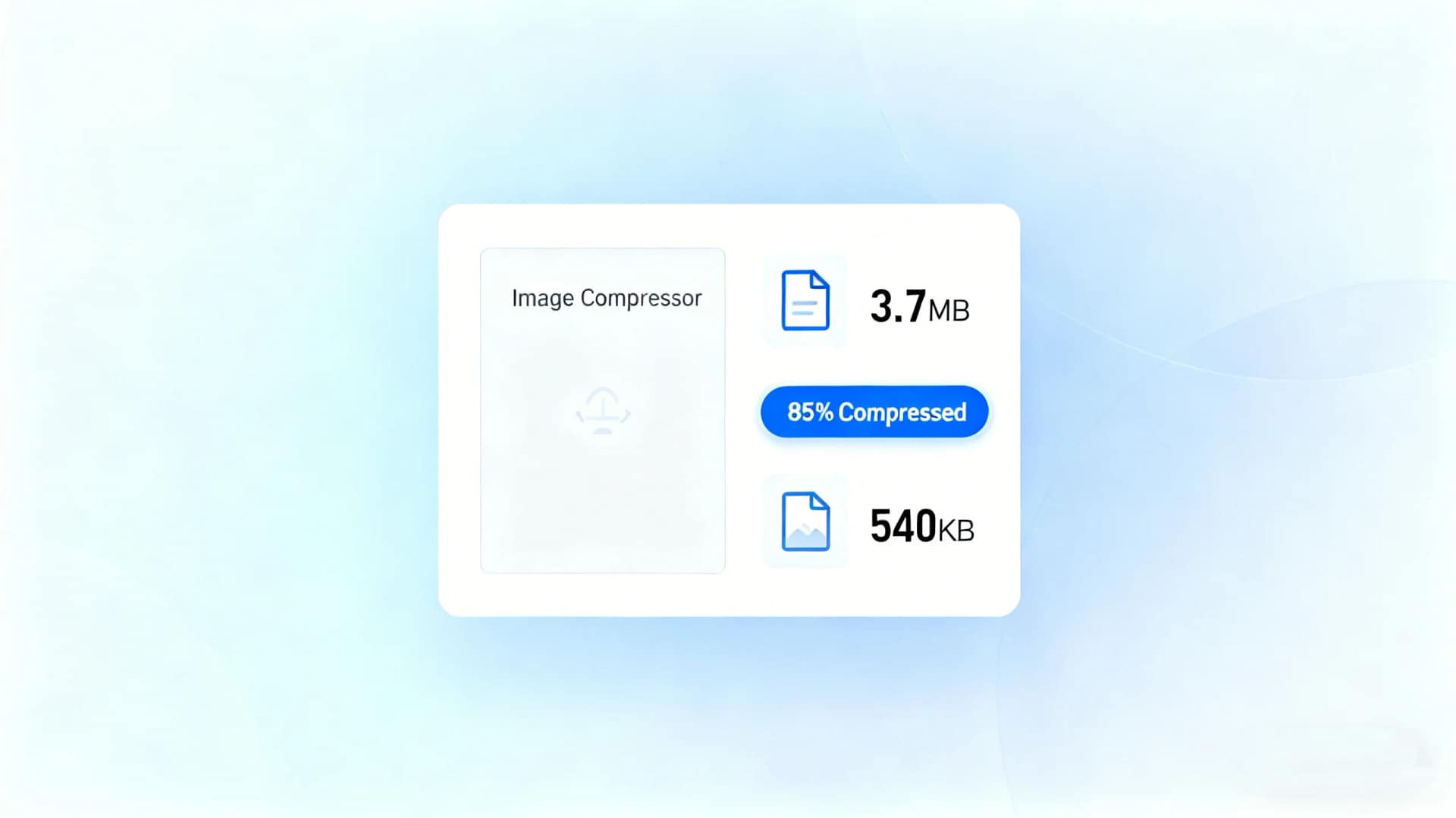
In a digital-first world, images are everywhere—from websites and blogs to social media, eCommerce platforms, and cloud storage. However, high-resolution photos often come with large file sizes, which can slow down websites, consume storage space, and increase bandwidth costs. This is where a photo compressor becomes essential.
A photo compressor reduces image file size while maintaining acceptable visual quality, allowing users to upload, share, and store photos more efficiently. Whether you are a website owner, marketer, designer, or everyday user, using the right photo compressor can significantly improve workflow efficiency and user experience.
Table of Contents
Why You Need a Photo Compressor
1. Improve Website Speed and SEO Performance
Large images are one of the most common reasons for slow-loading web pages. Search engines like Google prioritize fast-loading websites, making image optimization a critical SEO factor. By using a photo compressor, you can reduce page load times, lower bounce rates, and improve search rankings.
2. Reduce Storage and Bandwidth Usage
High-quality photos take up significant storage space and require more data to transfer. Compressing images helps conserve disk space and reduces bandwidth consumption, especially for websites with heavy image content or users managing large photo libraries.
3. Meet Platform Upload Requirements
Many platforms impose strict image size limits. A photo compressor allows you to resize and compress images to meet specific requirements without sacrificing clarity, ensuring smooth uploads to websites, email systems, and social media platforms.
4. Enhance User Experience Across Devices
Optimized images load faster on both desktop and mobile devices. This is particularly important for mobile users who rely on slower networks. A photo compressor ensures consistent performance across all screen sizes and connection types.
Common Photo Compressor Use Cases
Website image optimization for blogs, landing pages, and product galleries
Social media image preparation with size and quality constraints
E-commerce product photos requiring fast load times
Email attachments that must stay under file size limits
Personal photo storage optimization to save disk space
Across all these scenarios, a reliable photo compressor is a practical necessity rather than an optional tool.
AiToolSoft Image Compressor: A Smart Online Photo Compressor
If you are looking for a fast, reliable, and user-friendly photo compressor, AiToolSoft Image Compressor is an excellent choice.
Key Features of AiToolSoft Image Compressor
Free online photo compressor with no installation required
Supports multiple image formats, including JPG, PNG, and WebP
Custom file size control, allowing you to compress photos to a specific target size
High-quality compression, minimizing visible quality loss
Secure processing, with files handled online and not permanently stored
This tool is ideal for both beginners and professionals who need quick and effective image compression without technical complexity.
How to Use AiToolSoft as Your Photo Compressor
Open the AiToolSoft Image Compressor tool
Upload your photo or multiple images
Select the desired compression level or target file size
Compress the image instantly
Download the optimized photo
The entire process takes only seconds and requires no registration, making it suitable for frequent use.
Photo Compressor vs. Manual Image Optimization
Manual image optimization using design software can be time-consuming and requires technical knowledge. A dedicated photo compressor like AiToolSoft automates the process, delivering consistent results with minimal effort. This allows users to focus on content creation instead of file management.
Conclusion
A photo compressor is an essential tool for anyone working with digital images. From improving website performance and SEO to saving storage space and meeting upload requirements, the benefits are clear. AiToolSoft Image Compressor offers a free, fast, and reliable solution that fits a wide range of photo compression needs.
If you want to optimize images efficiently without compromising quality, using a professional online photo compressor is the smartest approach.


