
Convert Photo to JPG: The Easy Way to Optimize Your Images
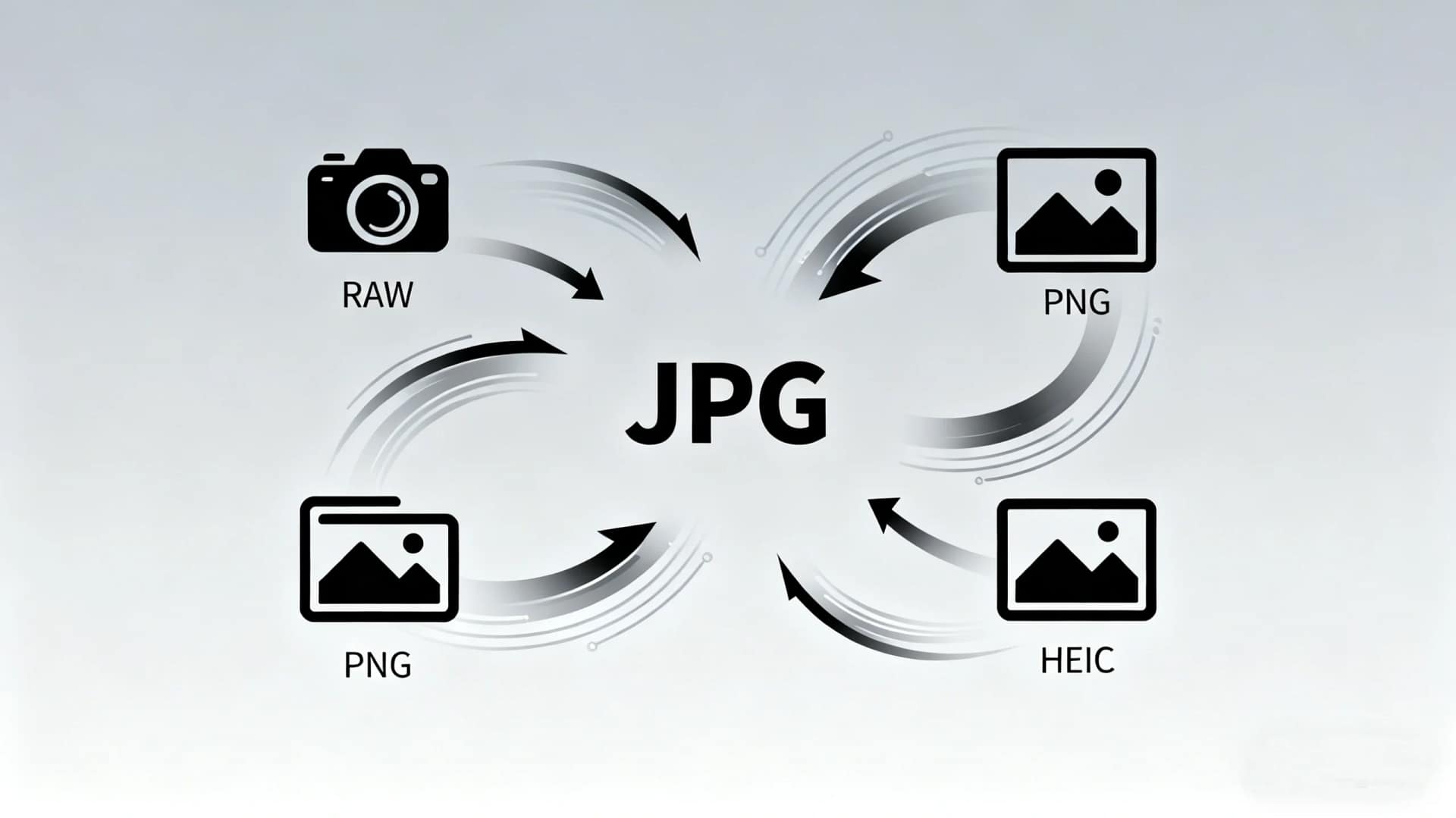
In daily digital work, many users need to convert photo to JPG for easier sharing, uploading, or storage. JPG is one of the most widely supported image formats across websites, social media platforms, and devices. Whether you are dealing with large PNG files, scanned images, or photos from design tools, converting them to JPG can significantly improve compatibility and loading speed.
This guide explains why JPG is often the best choice and shows how to convert photo to JPG online quickly using AiToolSoft Image Format Converter.
Why JPG Is the Most Popular Image Format
JPG (or JPEG) is a standard image format known for its balance between image quality and file size. Compared with PNG, JPG images are usually much smaller, making them ideal for web use.
Key benefits of JPG include:
Smaller file size for faster page loading
Broad compatibility with browsers and devices
Ideal for photos and complex color images
Easy to upload to websites and email platforms
For users who frequently work with images, learning how to convert photo to JPG can save storage space and improve workflow efficiency.
When You Should Convert PNG to JPG
PNG files are excellent for transparency and sharp graphics, but they are often larger than necessary. Common situations where you may want to convert PNG or other formats include:
Uploading images to websites with size limits
Sharing photos via email or messaging apps
Improving website performance and SEO
Standardizing image formats for projects
In these cases, converting a photo to JPG is a practical and effective solution.
How to Convert Photo to JPG Online Using AiToolSoft
If you want a quick and reliable solution, AiToolSoft Image Format Converter provides a free online way to convert PNG to JPG without installing any software.
Steps to Convert Photo to JPG:
Visit the AiToolSoft Image Format Converter page
Upload your PNG or other image format
Choose JPG as the output format
Click convert and download the JPG file instantly
The tool works directly in your browser, making it ideal for users who need to convert photo to JPG on Windows, macOS, or mobile devices.
Advantages of AiToolSoft Image Format Converter
AiToolSoft’s online converter is designed for both beginners and professionals. It ensures fast conversion while maintaining image quality.
Main advantages:
Free and browser-based, no installation required
Supports multiple image formats including PNG and JPG
Secure processing with instant conversion
Clean interface with simple steps
If you frequently need to convert photo to JPG, this tool offers a stable and time-saving solution.
Conclusion
Learning how to convert photo to JPG is essential for anyone working with digital images. JPG remains the best format for balancing quality, size, and compatibility. With AiToolSoft Image Format Converter, you can quickly convert PNG to JPG online in just a few clicks, making image optimization simple and efficient.
If you want a fast, secure, and user-friendly way to convert photo to JPG, AiToolSoft is a reliable choice.


