
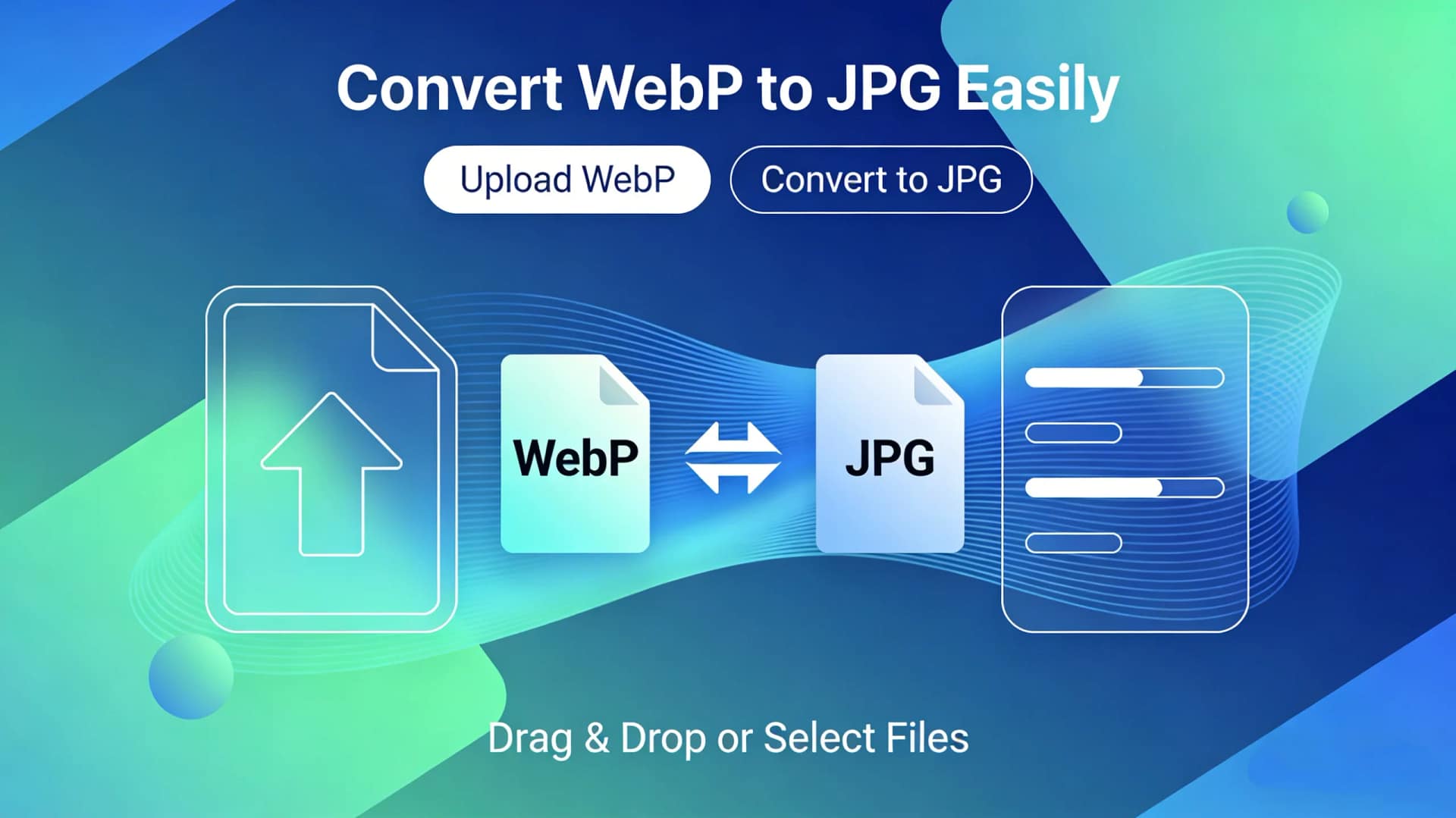
If you’ve ever downloaded an image from the web, chances are you’ve encountered the WebP format. Created by Google, WebP offers excellent compression and quality but isn’t universally supported by all applications, devices, or older software. This is where converting WebP to JPG becomes essential. JPG remains the gold standard for universal compatibility, making it ideal for sharing, printing, and using in various projects.
Manually changing file formats can be a technical hassle, but it doesn’t have to be. With the right online tool, you can convert your images in seconds. For a seamless, secure, and free conversion experience, we highly recommend using AiToolSoft‘s Online Image Format Converter.
Why Choose AiToolSoft’s Online Image Format Converter?
Located at Free Online Image Format Converter, this web-based tool is designed for simplicity and efficiency. Here’s why it stands out:
100% Free & Browser-Based: No software to download or install. Access it directly from Chrome, Safari, Firefox, or any browser.
Blazing-Fast Conversion: Upload your WebP file and get a downloadable JPG in mere moments.
Top-Tier Privacy Guarantee: Your uploaded images are processed securely and are automatically deleted from the servers shortly after conversion. Your data never gets stored or misused.
Exceptional Ease of Use: Its intuitive interface requires no technical skills. The process is straightforward: upload, convert, download.
Batch Conversion: Need to convert multiple WebP files at once? This tool can handle batch processing, saving you significant time.
High-Quality Output: It preserves the visual quality of your original image during the conversion to JPG, ensuring no noticeable loss in detail.
Simple Steps to Convert WebP to JPG
Using the converter is as easy as 1-2-3:
Visit the tool’s page: Free Online Image Format Converter.
Upload your WebP file(s) by dragging and dropping or clicking to select.
Click “Convert” and then Download your new JPG file instantly.
Whether you’re a professional designer, a social media manager, or someone just trying to open an image, this free tool removes all friction from the process.
Conclusion
Don’t let file format incompatibilities slow you down. Converting WebP to JPG is the simplest solution for guaranteed accessibility. For the fastest, most reliable, and privacy-focused conversion, bookmark AiToolSoft‘s Online Image Format Converter today. Visit online free file converter and transform your images with just a few clicks


