
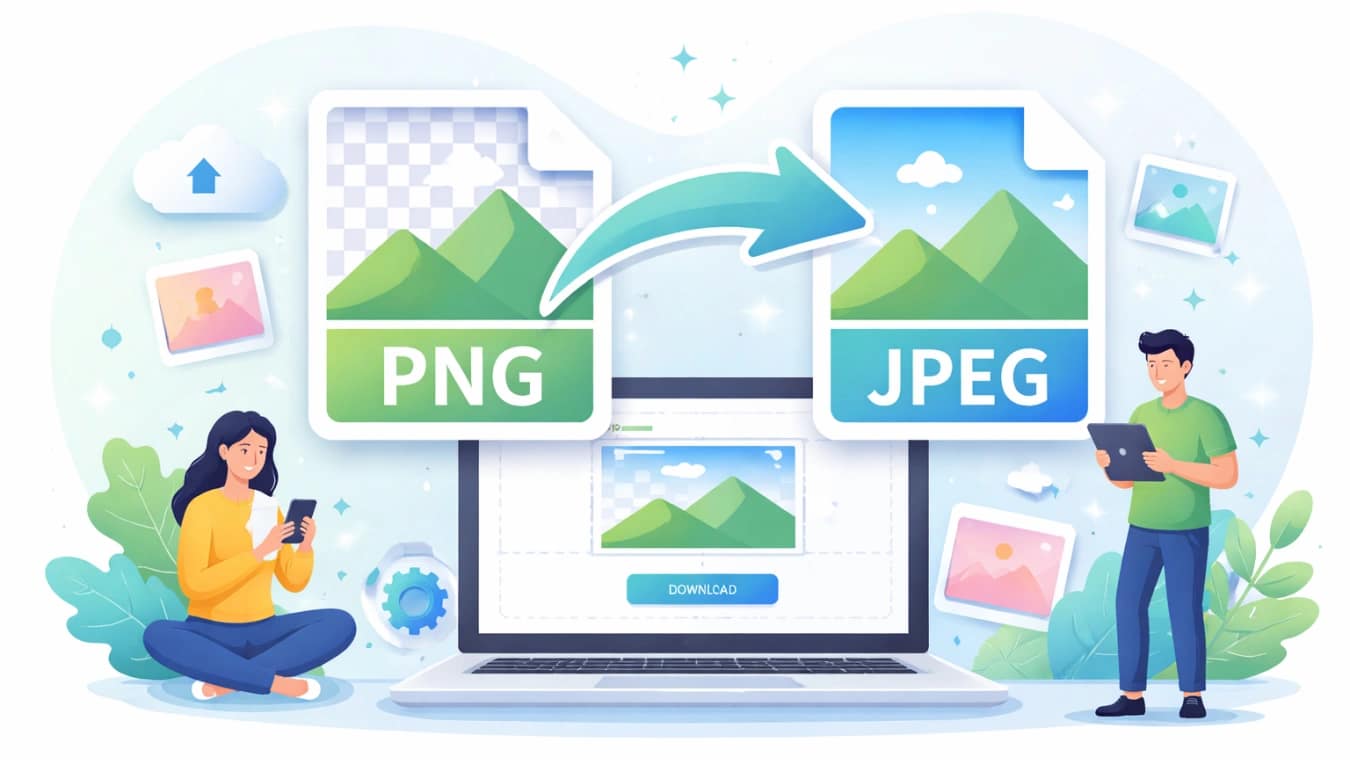
Converting PNG to JPEG is one of the most common image optimization tasks today. Whether you’re managing a website, sharing photos, or reducing file size, knowing how to convert PNG to JPEG efficiently can save time and improve performance.
In this guide, we’ll explore everything about PNG to JPEG conversion and introduce a powerful free tool—AiToolSoft Image Format Converter.
Table of Contents
What Is PNG to JPEG Conversion?
PNG to JPEG conversion refers to changing an image file from PNG format to JPEG format. PNG files are typically larger and support transparency, while JPEG files are compressed and better suited for web use.
When you convert PNG to JPEG, you trade transparency for smaller file size and faster loading speeds.
Why Convert PNG to JPEG?
There are several practical reasons to convert PNG to JPEG:
- Reduce file size for faster website loading
- Improve SEO performance through optimized images
- Save storage space on devices or servers
- Ensure compatibility across platforms and applications
For most web and social media use cases, JPEG is the preferred format.
Best Free Tool for PNG to JPEG Conversion
If you’re looking for a fast and reliable solution, AiToolSoft Image Format Converter is an excellent choice.
Key Features of AiToolSoft Image Format Converter
- 100% free online tool
- No software installation required
- Supports multiple image formats
- Fast and high-quality conversion
- User-friendly interface
With this tool, converting PNG to JPEG takes just a few seconds.
How to Convert PNG to JPEG Online
Follow these simple steps to convert PNG to JPEG using AiToolSoft:
Step 1: Upload Your PNG Image
Go to the AiToolSoft Image Format Converter and upload your PNG file.
Step 2: Select JPEG Format
Choose JPEG as the output format.
Step 3: Start Convert Image
Click the convert button to process your image.
Step 4: Download the JPEG File
Download your converted image instantly.
This process is quick, simple, and requires no technical skills.
PNG vs JPEG: Key Differences
Understanding the difference helps you decide when to convert PNG to JPEG.
Feature | PNG | JPEG |
Compression | Lossless | Lossy |
File Size | Larger | Smaller |
Transparency | Supported | Not supported |
Best Use | Graphics, logos | Photos, web images |
When Should You Convert PNG to JPEG?
You should convert PNG to JPEG when:
- You need smaller file sizes
- You are uploading images to a website
- Transparency is not required
- You want faster loading speeds
Avoid conversion if transparency is essential for your design.
Tips for Better PNG to JPEG Conversion
- Use high-quality source images
- Avoid repeated conversions to prevent quality loss
- Choose reliable tools like AiToolSoft
- Optimize image resolution before converting
These tips help maintain image clarity while reducing file size.
Conclusion
Converting PNG to JPEG is essential for optimizing images for the web and improving performance. With tools like AiToolSoft Image Format Converter, you can convert images quickly, safely, and for free.
If you want a fast, simple, and effective solution, this tool is definitely worth trying.
FAQs
What is the difference between PNG and JPEG?
PNG is a lossless format that preserves image quality and supports transparency, making it ideal for graphics and logos. JPEG, on the other hand, uses lossy compression to reduce file size, which is better for photos and web usage. Choosing between them depends on your specific needs for quality, size, and functionality.
Why should I convert PNG to JPEG?
Converting PNG to JPEG helps reduce file size significantly, which improves website loading speed and overall performance. JPEG files are also more widely supported across platforms. If transparency is not needed, JPEG is usually the better option for sharing and publishing images online.
Does converting PNG to JPEG reduce quality?
Yes, JPEG uses lossy compression, which may slightly reduce image quality. However, with a good converter like AiToolSoft Image Format Converter, the quality loss is minimal and often unnoticeable, especially for web use. Proper settings can help maintain a good balance between size and quality.
Is AiToolSoft Image Format Converter free to use?
Yes, AiToolSoft Image Format Converter is completely free to use. You don’t need to install any software or create an account. It works directly in your browser, making it a convenient and accessible solution for converting PNG to JPEG quickly.
Can I convert multiple PNG files to JPEG at once?
Many online tools, including AiToolSoft, support batch conversion, allowing you to upload and convert multiple PNG files simultaneously. This feature saves time and is especially useful for users handling large numbers of images for websites or projects.
Will transparency be preserved when converting PNG to JPEG?
No, JPEG does not support transparency. When you convert PNG to JPEG, any transparent areas will typically be replaced with a solid background, usually white. If transparency is important, you should keep the image in PNG format.
Is it safe to use online PNG to JPEG converters?
Most reputable tools like AiToolSoft are safe to use, especially if they do not store your files after conversion. Always choose trusted platforms and avoid uploading sensitive images to unknown websites to ensure your data remains secure.
What is the best format for web images?
JPEG is generally the best format for web images because of its smaller file size and fast loading speed. It helps improve user experience and SEO performance. However, PNG is better for images requiring transparency or sharp graphics, such as logos.


