
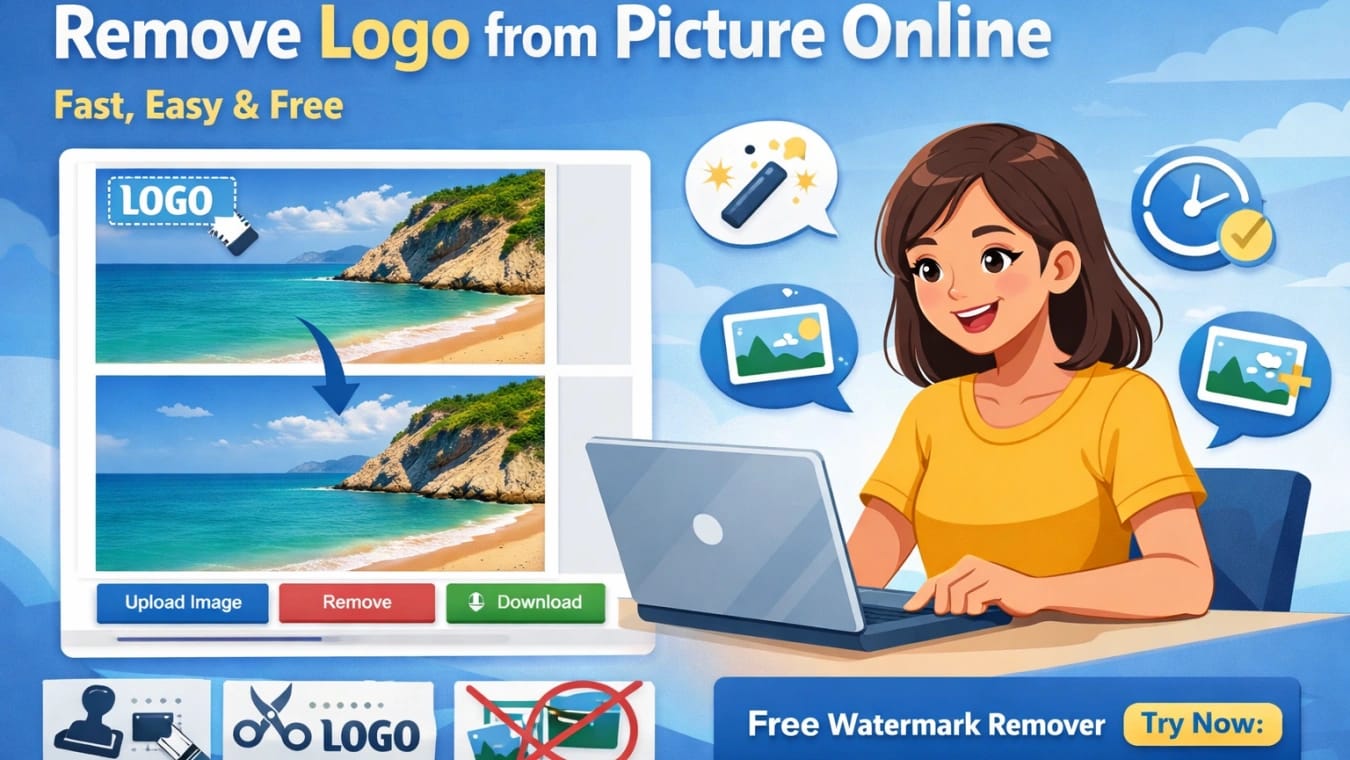
Logos and watermarks are everywhere — on stock photos, social media images, and marketing visuals. While logos protect copyright, there are many legitimate reasons to remove logo from picture, such as editing your own designs, restoring old images, or preparing clean visuals for presentations.
In this guide, you’ll learn how to remove logo from picture online, the best methods available, and a powerful free tool to get the job done quickly.
Table of Contents
Why Do People Want to Remove Logos from Pictures?
Here are some common and legal use cases:
You own the image and want a cleaner version
You lost the original logo-free file
You are redesigning branded materials
You want to remove watermarks from personal photos
You need images for presentations or mockups
With modern AI tools, removing logos no longer requires professional photo editing skills.
Traditional Ways to Remove Logo from Picture
Before AI-powered tools, users relied on:
Photoshop clone stamp or healing brush
Manual cropping
Blurring the logo area
While effective, these methods are:
Time-consuming
Skill-dependent
Not beginner-friendly
That’s why more people now prefer to remove logo from picture online using AI tools.
How to Remove Logo or Watermark Online (AI Method)
AI watermark removers use intelligent algorithms to:
Detect logos automatically
Reconstruct the background naturally
Preserve image quality
You don’t need to download software or learn complex editing techniques.
Steps usually include:
Let AI detect the logo
Click remove
Download the clean image
Simple, fast, and efficient.
Best Free Tool to Remove Logo Online
If you’re looking for a reliable and easy solution, we highly recommend:
👉 AiToolSoft Free Online Watermark Remover
Why choose AiToolSoft?
✅ 100% online, no installation
✅ Free to use
✅ AI-powered logo and watermark removal
✅ Works on photos, text logos, and watermarks
✅ Fast processing with high-quality output
Whether you’re a designer, marketer, or casual user, AiToolSoft makes it effortless to remove logo from picture online.
Is It Legal to Remove Logos from Images?
Removing logos is legal only when:
You own the image
You have permission from the copyright holder
You’re editing personal or self-created content
Always respect copyright laws and use watermark removers responsibly.
Final Thoughts
Thanks to AI technology, it’s never been easier to remove logo from picture online. Instead of struggling with complex tools, you can now clean images in seconds using a free, browser-based solution.
✨ Try AiToolSoft Free Online Watermark Remover today and experience hassle-free logo removal.


