
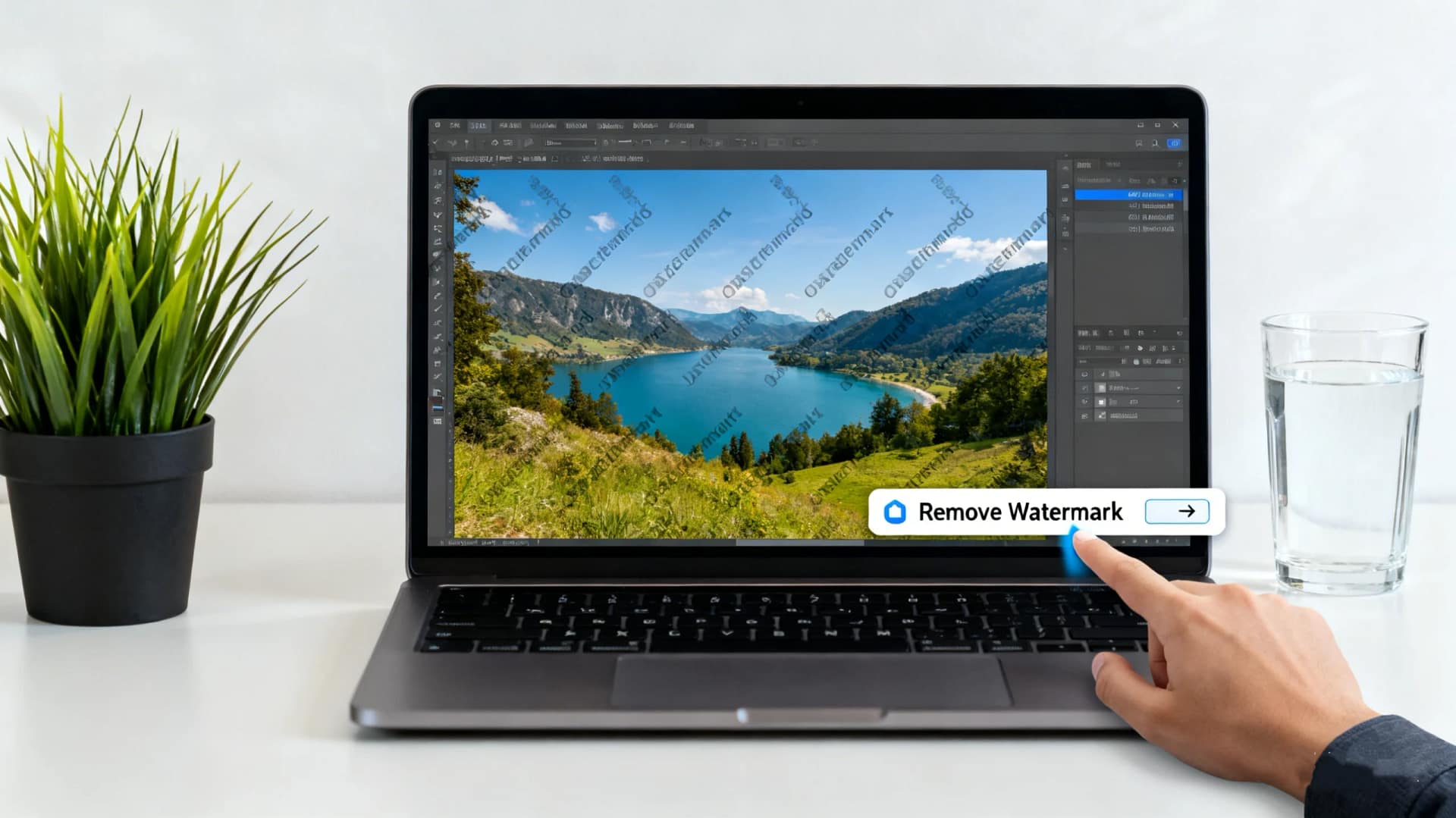
Are you looking for a fast, free, and effective way to remove watermark from photo without compromising image quality? Whether you’re editing personal photos, preparing marketing visuals, or restoring old images, watermarks can often get in the way. Fortunately, modern AI tools make this task easier than ever—without requiring advanced design skills.
In this guide, you’ll discover how to remove watermark from photo quickly using AiToolSoft’s Free Online Watermark Remover, a powerful, user-friendly solution trusted by thousands worldwide.
Table of Contents
Why You Might Need to Remove a Watermark
Watermarks are commonly added to photos to protect intellectual property or indicate ownership. However, there are legitimate reasons you may want to remove watermark from photo, such as:
- Editing a sample image for personal use (with proper permissions)
- Restoring historical or family photos with embedded logos
- Cleaning up mockups or templates for professional presentations
Whatever your reason, it’s essential to use a tool that preserves the original image quality while seamlessly erasing unwanted marks.
Introducing AiToolSoft Free Online Watermark Remover
AiToolSoft’s Free Online Watermark Remover is a cutting-edge web-based tool that leverages advanced AI algorithms to detect and remove watermarks, logos, text, or other unwanted objects from your photos—in seconds.
Key features include:
- ✅ 100% Free to Use – No hidden fees, subscriptions, or watermarks added by the tool
- ✅ No Software Download Required – Works directly in your browser
- ✅ AI-Powered Precision – Intelligently fills background textures for natural-looking results
- ✅ Supports JPG, PNG, and Other Common Formats
- ✅ Privacy-Focused – All uploaded images are automatically deleted from servers within hours
How to Use the Tool to Remove Watermark from Photo
Removing a watermark has never been simpler. Follow these three easy steps:
- Upload Your Image
Visit AiToolSoft Free Online Watermark Remover and click “Browse File” to upload your photo. - Select the Watermark Area
Use your mouse to highlight the watermark, logo, or text you want to remove. The tool’s smart brush adapts to different shapes and sizes. - Click “Process Image” and Download
In just a few seconds, the AI processes your image and fills in the selected area seamlessly. Click “Download” to save your clean, watermark-free photo.
That’s it! No Photoshop skills needed.
Why Choose AiToolSoft Over Other Tools?
While many online services claim to remove watermark from photo, few deliver on speed, quality, and privacy. AiToolSoft stands out because:
- It uses deep learning models trained on millions of images for realistic inpainting
- The interface is intuitive and beginner-friendly
- It’s completely free—no trial limits or forced upgrades
- Your data stays secure and private
Plus, it works on mobile, tablet, and desktop—making it perfect for on-the-go editing.
Is It Legal to Remove a Watermark?
Always ensure you have the right to edit the image. Removing a watermark from copyrighted material without permission may violate intellectual property laws. AiToolSoft’s tool is designed for personal, educational, or legally permitted use only.
Final Thoughts
If you need to remove watermark from photo quickly and effectively, AiToolSoft’s Free Online Watermark Remover is one of the best solutions available today. With its blend of AI intelligence, ease of use, and zero cost, it’s an ideal choice for creators, students, marketers, and photographers alike.
Don’t let unwanted logos ruin your visuals. Try the tool today and experience professional-grade results—without the complexity.


