
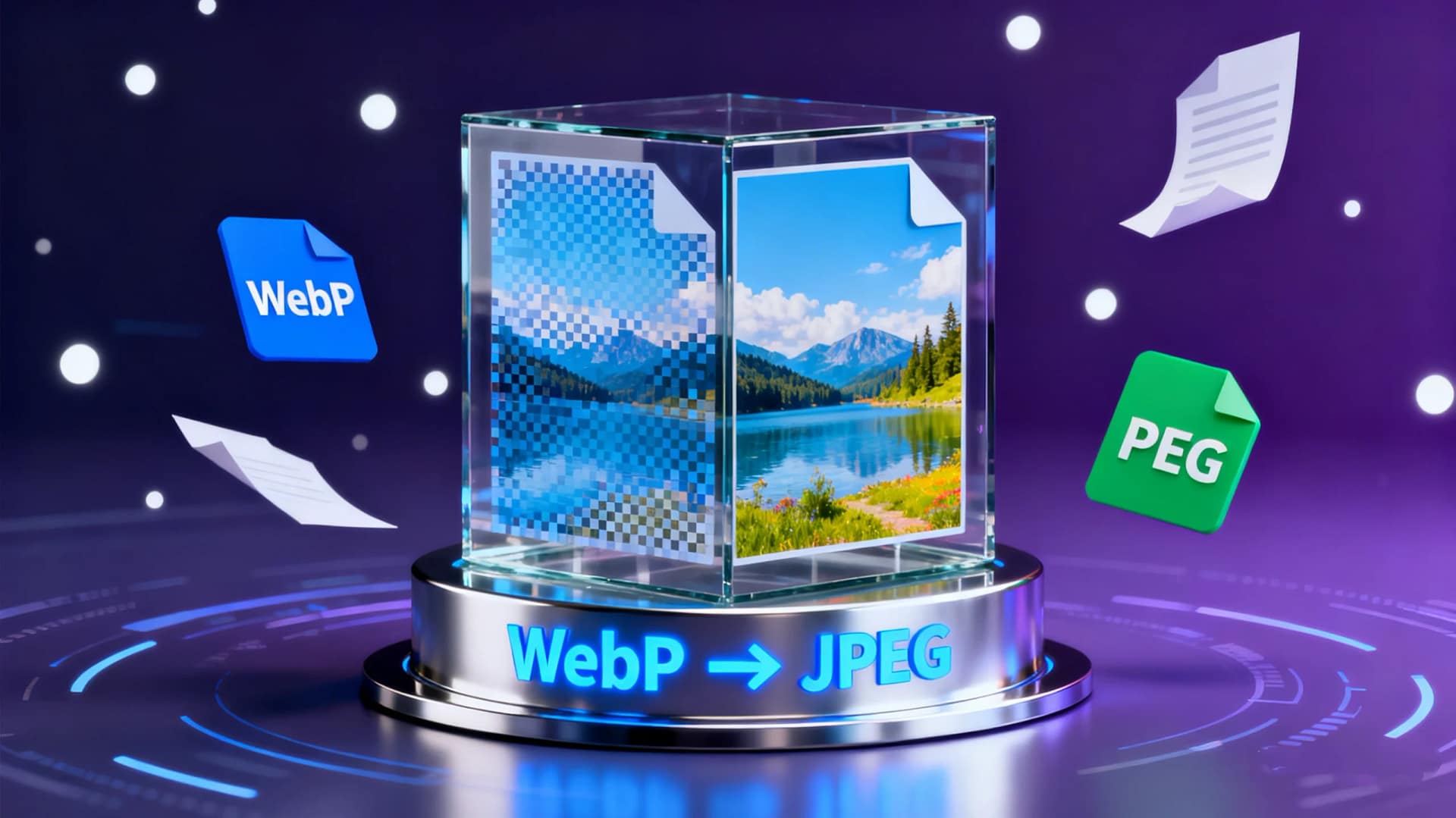
In the digital world, images play a crucial role in websites, presentations, social media, and more. Among various formats, WebP and JPEG are widely used. WebP offers excellent compression and smaller file sizes, while JPEG is universally compatible with almost all devices and applications. Therefore, knowing how to free convert WebP to JPEG is essential for designers, marketers, and everyday users.
Table of Contents
When to Convert WebP to JPEG
Compatibility Needs: Some programs, software, or older devices may not support WebP. Converting to JPEG ensures your images are accessible everywhere.
Editing Requirements: Most image editing tools work better with JPEG than WebP. Converting allows easier adjustments, enhancements, and retouching.
Printing Purposes: JPEG is more widely supported for printing. If you plan to print WebP images, conversion is necessary.
Website Use: While WebP is optimized for web loading speed, some CMS platforms or themes may require JPEG images for proper display.
Key Considerations Before Conversion
Quality Loss: JPEG is a lossy format. While WebP already uses compression, double-check quality settings to avoid noticeable degradation.
File Size: WebP is generally smaller than JPEG. After conversion, the file size may increase, which could impact storage or loading speed.
Transparency Issues: WebP supports transparency (like PNG). JPEG does not. Transparent areas will turn white, so make adjustments if needed.
Batch Conversion: If you have multiple WebP files, using a tool that supports batch conversion can save time.
How to Free Convert WebP to JPEG Online
Using an online converter is fast, safe, and convenient. AiToolSoft’s Image Format Converter offers a free, reliable solution:
Visit the AiToolSoft Image Format Converter website.
Upload your WebP files.
Select JPEG as the output format.
Click “Convert” and download your images.
This tool supports single or multiple file conversions, preserves image quality, and works across all major browsers without installation.
Conclusion
Whether for compatibility, editing, or printing, learning to free convert WebP to JPEG is highly practical. Using AiToolSoft Image Format Converter ensures fast, high-quality conversions with minimal hassle. Next time you encounter WebP images, you can easily transform them into JPEGs for any purpose.


